Best Ergonomic Mouse for Small Hands (2026): Picks That Actually Fit
Desk accessories
Most ergonomic mice are built around a medium-to-large palm, so small hands end up clawing at the side buttons. The Sablute MAM3 fits small and medium hands out of the box, the Anker vertical is the cheap way to test the shape, and the Tecknet adds rechargeable multi-device switching.
Our picks
Most ergonomic mice are designed around a medium-to-large palm. If your hand is smaller, that usually means one of two things: you stretch to reach the side buttons, or you grip harder to keep the mouse steady. A mouse that fits solves both without any change to your desk.
This guide is for small and medium hands specifically. If you want the full category, read our best ergonomic mouse guide. If you are comparing shapes, our vertical mouse guide covers the handshake family in more depth. Both are worth a look before you buy, and more options sit in desk accessories.
Fit first, features second
Hand size is the feature that decides whether you keep using a mouse past the first week. Measure from the base of your palm to the tip of your middle finger. Under about 6.9 inches is small, 6.9 to 7.5 inches is medium, and above 7.5 inches is large.
A mouse that is too tall pushes your wrist off the desk, so you lose control and grip harder to compensate. A mouse that is too wide spreads your fingers into a stretch. Small-hand mice are shorter and narrower, and their side buttons sit closer to the thumb.
Then comes shape. A vertical shell rotates your hand toward a handshake position and takes the twist out of your forearm. A sculpted flat mouse keeps a more familiar palm-down grip but still supports the arch of your hand. For small hands, the vertical shape only works when the shell is sized down to match.
Quick comparison
Top pick: Sablute MAM3 Ergonomic Mouse
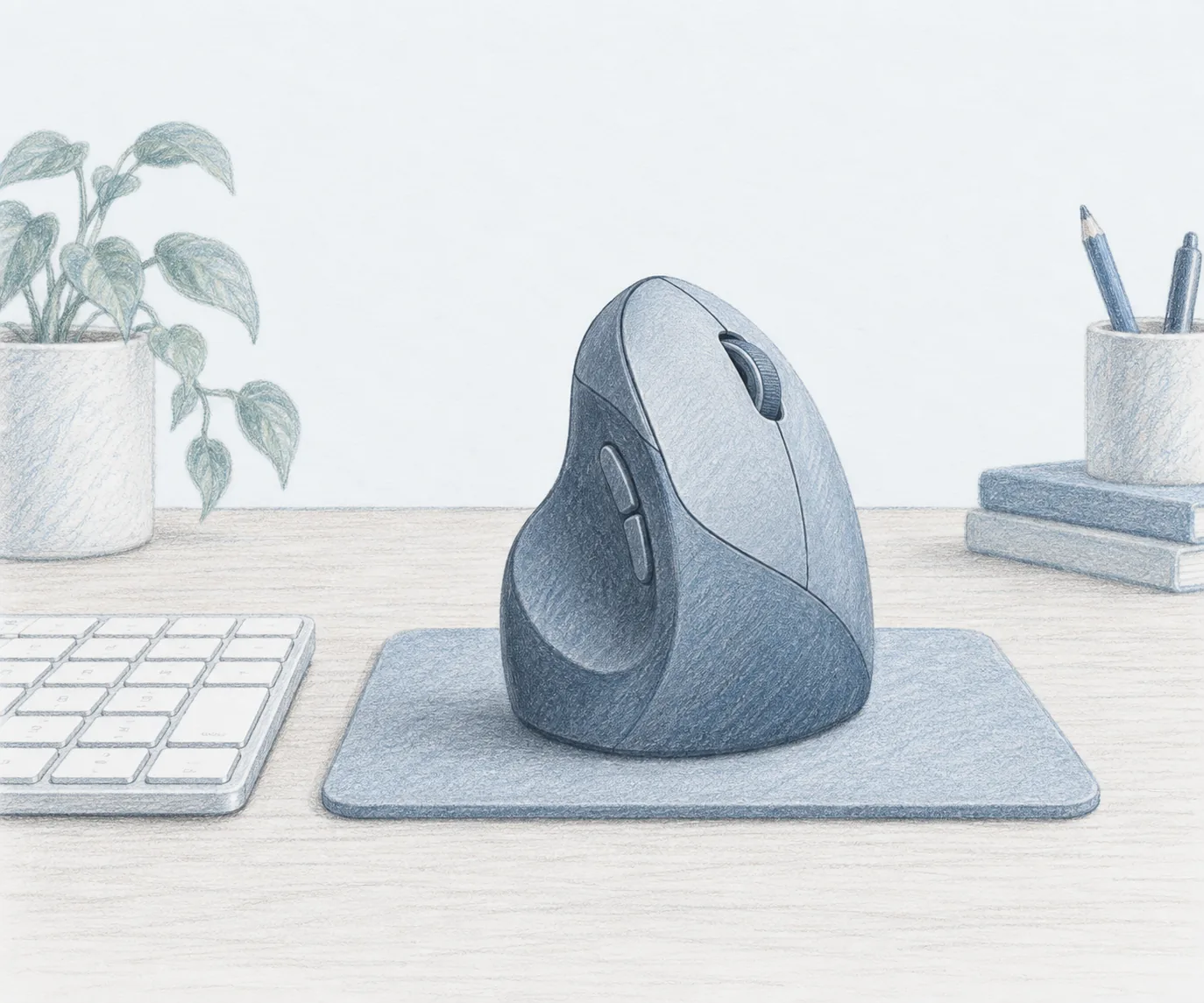
The Sablute MAM3 is the best ergonomic mouse for small hands because the fit is the design, not an afterthought. It is a compact 57° vertical shell with seven silent buttons, and it connects by Bluetooth or the included USB receiver. You can pair three devices and hop between them with one click.
It recharges over USB, so there are no batteries to buy, and the standby life is measured in months rather than days. The button layout is roomy for a small hand, which matters more than any spec sheet number once you are on your fifth hour of the day.
Who it is for: Small and medium hands, shared offices, and anyone who wants a quiet vertical mouse without a premium price.
Skip if: Your palm measures on the large side. Go up a size instead of forcing a small shell.
Shop: Sablute MAM3 on Amazon
Best budget: Anker 2.4G Wireless Ergonomic Mouse
The Anker 2.4G Wireless Ergonomic Mouse is the cheapest sensible way to test a vertical shape. It puts your wrist in a handshake position, offers three DPI levels, and needs no software or pairing dance. The review base is enormous, which makes the long-term picture easier to read.
That picture is mostly good. Most owners report two to three years of daily use, with the scroll wheel the first part to show its age. The shell runs medium, so it suits small to medium hands better than a full-size vertical mouse.
Who it is for: First-time vertical mouse buyers, spare desks, and anyone who wants a low-cost test of the shape.
Skip if: You want rechargeable, or you need the side buttons within easy thumb reach.
Shop: Anker 2.4G Wireless Ergonomic Mouse on Amazon
Best multi-device: Tecknet Ergonomic Mouse
The Tecknet Ergonomic Mouse is the pick when connectivity matters as much as fit. It covers Bluetooth 5.0 and 3.0 plus a 2.4G receiver, so it works with just about any laptop or desktop you already own. The shell is tuned for small and medium hands, and the rechargeable battery takes about an hour and a half to fill.
Quiet switches make it a good neighbor in an open office or on calls. The only real limitation is platform support: the side navigation buttons do not work on Mac, so Apple users should weigh that against the price.
Who it is for: Two-machine setups, hybrid workers, and anyone tired of swapping dongles.
Shop: Tecknet Ergonomic Mouse on Amazon
How to size a mouse without guessing
- Measure palm length first, then match the shell to the small, medium, or large band.
- Prefer a mouse whose side buttons sit under your thumb without a stretch.
- Check the height. A tall shell lifts your wrist off the desk and costs you fine control.
- Decide on power early: rechargeable is cheaper over two years, batteries are simpler.
- Buy from a listing with a real review trail so you can read about fit from owners.
If your wrist pain is coming from a keyboard that sits too high, a mouse alone will not fix it. Our best ergonomic keyboard guide and the wrist rest comparison cover the other half of the desk.
Who should skip a small vertical mouse
If most of your work is precision editing, a vertical mouse takes a few days to feel natural and some people never get the same fine control. A trackball is a better fit for very small desks, and our trackball mouse guide covers those.
If you share the desk with someone with large hands, one mouse will not fit both. Buy for the person who uses it most, and keep a spare flat mouse in the drawer for guests.
Bottom line: The best ergonomic mouse for small hands is the Sablute MAM3 for fit, silence, and rechargeable convenience. The Anker vertical is the budget way in, and the Tecknet wins when you juggle two machines. Size the shell to your palm before you size it to your budget. More desk upgrades live on the blog and homepage.
Frequently Asked Questions
What computer mouse is best for small hands?
Start with a vertical mouse sized for small and medium hands, like the Sablute MAM3. It keeps your wrist in a handshake position and puts every button within reach without a palm stretch. If you are not sure you will like the shape, try the cheaper Anker vertical first.
What are some good small ergonomic mice?
The Sablute MAM3, the Anker 2.4G Wireless Ergonomic Mouse, and the Tecknet Bluetooth vertical mouse are the three we recommend most. All three are right-handed shells. Left-handed users should look at the Logitech Lift, which comes in a left version.
What are some mice that do not hurt my hands?
Any mouse that lets your palm rest instead of hover. A vertical shell removes the forearm twist of a flat mouse, and a smaller shell stops you from gripping hard to keep control. Add a wrist rest and keep the mouse close to the keyboard so you are not reaching.
Are ergonomic mice really worth it?
For long desk days, yes. The change in wrist angle is small on paper but you notice it after a few hours. Expect three to five days to adjust, and keep using it through the awkward phase instead of switching back and forth.
How do I measure my hand for a mouse?
Measure from the base of your palm to the tip of your middle finger. Under about 6.9 inches is a small hand, 6.9 to 7.5 inches is medium, and above 7.5 inches is large. Manufacturers size their mice on the same ranges, so match the shell to your number.
Is a vertical mouse good for small hands?
It can be, if the shell is small. A full-size vertical mouse can be too tall, which pushes your wrist off the desk and makes control harder. Small-hand vertical mice keep the height in check so you still rest your forearm.
Do I need Bluetooth or a USB receiver?
Bluetooth saves a port and works well on modern laptops. A USB receiver is more reliable on older desktops and in crowded wireless environments. Pick a mouse that offers both if you move between machines.
How long should a small ergonomic mouse last?
A well-kept vertical mouse usually gives two to three years of daily use. The first parts to wear are the scroll wheel and the rubber grip. Rechargeable models save the cost of batteries, but the cell itself is the long-term wear item.