Best Ergonomic Mouse (2026): Picks for Wrist Pain and Long Days
Desk accessories
The best ergonomic mouse supports your hand for long desk days without forcing a tight grip. Start with the MX Master 3S for wrist support, choose a handshake vertical if your forearm needs a bigger change, or pick the Lift for small hands.
Our picks
The best ergonomic mouse for long home-office days is the Logitech MX Master 3S when you want better support without abandoning a familiar palm-down grip. If forearm twist is the real problem, a handshake shell from our vertical mouse guide is the clearer move.
Browse more desk accessories once the pointing device feels settled. Pair the mouse with a desk pad and a wrist rest for keyboard only if they keep your wrists neutral, not raised. If your desk itself is too high or your screen sits too low, fix that with a monitor arm before you blame the mouse.
What "ergonomic" actually means at a desk
There is no single ergonomic shape. The category covers any pointing device that lets you work longer with less gripping, twisting, or shoulder hiking.
If you already know you want a handshake grip, head to our best vertical mouse guide instead. This guide covers the broader question: which support style fits your desk day.
Are vertical mice actually better than a normal mouse?
A vertical mouse is better for one problem: forearm twist. It turns your hand into a handshake so the forearm stops rolling palm-down. That helps wrist and forearm ache. It does not fix a shoulder that reaches or a grip that pinches.
What a vertical mouse does not change
It does not cut your click count, and it does not fix a desk that is too high. The only thing it changes is the angle your forearm sits at. Handshake shells also take a few days to relearn, and aim is slower before it comes back. Our vertical mouse guide covers that shape in depth, including budget picks and hand-size choices.
MX Master 4 vs MX Vertical: which should you buy?
Buy the MX Vertical when forearm twist is the problem and you can accept a few slower days. Buy the MX Master 4, or the cheaper MX Master 3S, when you want more palm support without relearning aim. Name the problem first, then pick the shape.
Should a first-time buyer start vertical?
Usually not. Start with a sculpted mouse if you are new to ergonomic shells, because the shape is familiar and you keep your aim. Move to a handshake model only when forearm twist is the specific complaint you can point to.
Is the MX Master 3S still worth it now that the MX Master 4 is out?
Yes, for most home offices. The MX Master 4 is the newer flagship, but the 3S keeps the same sculpted shape family and usually costs less. If you want palm support and quiet clicks rather than the newest sensor, the 3S is the smarter buy.
Review coverage in 2026 has largely moved to the 4. RTINGS notes the 4 replaced the 3S as top pick in January 2026, and CNN puts the useful ergonomic floor near $80. That still says a lot for the 3S: the shape it pioneered is still the one the labs recommend, and the price has come down.
Why we still lead with the 3S
The 3S carries 4.6 stars from 8,871 ratings, more than enough evidence that the shape suits a wide range of hands. MagSpeed scrolling flicks through long documents, the thumb rest stops the hand clawing, and the quiet clicks disappear on calls. None of that changed when the 4 arrived.
When to pay for the newer model
Pay for the 4 only if you want the latest sensor and software features and price is not the deciding factor. For a first ergonomic mouse, the 3S gives you the same core posture benefit for less.
What hand size should pick the Lift over the MX Vertical?
The Lift is for small to medium hands and the MX Vertical for medium to large hands. Both use the same 57-degree handshake angle, so the real difference is shell size, not the posture.
How to measure your hand in ten seconds
Lay your hand flat and measure from the wrist crease to the tip of your middle finger. Around 7 inches and under leans toward the Lift. Around 7.5 inches and up leans toward the MX Vertical. If you are between, pick by how the shell feels in your palm, not by the label.
What the angle actually does
The 57-degree handshake takes the forearm out of the pronated, palm-down position that flat mice force. The MX Vertical has 15,106 ratings at 4.4 stars and the Lift has 13,974 at 4.4 stars, so both are well proven. The Lift adds quiet clicks and a smaller footprint.
How many clicks does a desk mouse take in a day?
At about 30 clicks a minute over a 6-hour cursor day, that is roughly 10,800 clicks. A shell that keeps your hand relaxed for those hours matters more than a headline sensor number.
What that means for shape
Ten thousand clicks is a lot of small grip cycles. A mouse that forces your fingers to curl or your thumb to pinch adds up over a year. That is why the sculpted shell and the thumb rest stay on this list.
Cost per workday
A $70 shell over 3 years works out to about $23 a year, or roughly 9 cents a workday. A $65 Lift over the same span is about $22 a year. Framed that way, the premium shells are cheap per day, which is why we do not push the cheapest mouse.
Top pick: Logitech MX Master 3S
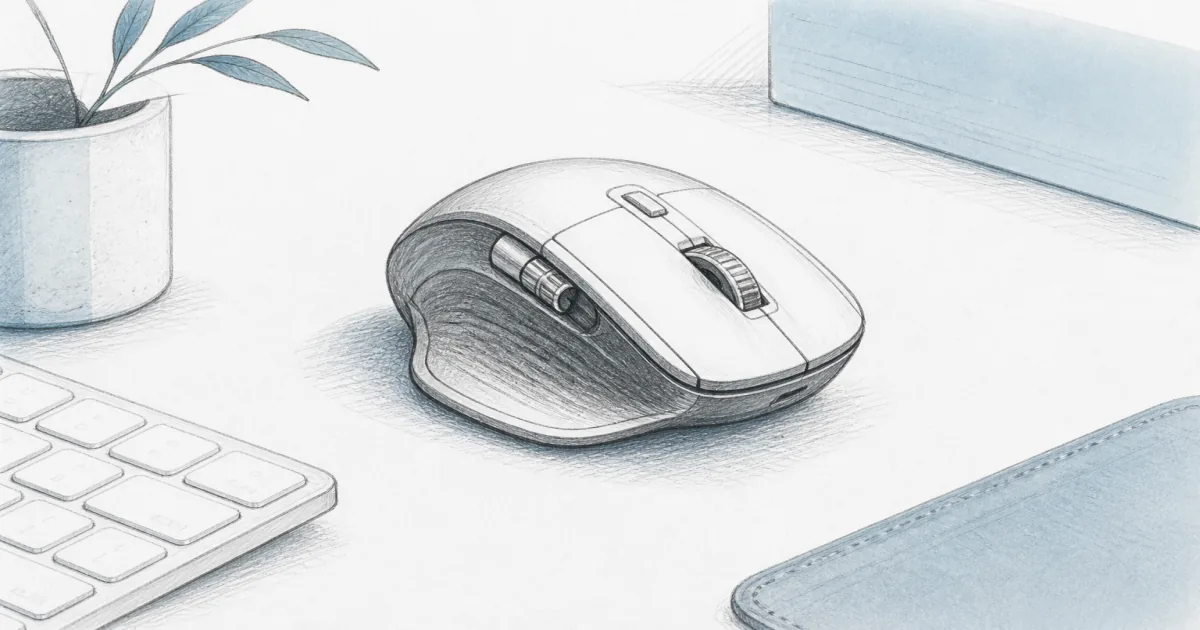
The Logitech MX Master 3S is the default ergonomic mouse for most remote workers. The shell fills the palm, the thumb rest keeps the hand from clawing, and MagSpeed scrolling makes long docs less of a wrist workout.
Use it when you hop between a laptop and a desktop, or when quiet clicks matter on calls. Skip it if your hands are small enough that the shell forces a stretch, or if you already decided you need a vertical angle.
Shop the Logitech MX Master 3S
Handshake grip: Logitech MX Vertical
The Logitech MX Vertical turns the hand into a handshake so the forearm twists less during clicks and drags. It is the right branch of ergonomics when sculpted conventional mice still leave you sore.
Expect a short accuracy dip for a few days. If the shell feels too tall, step down to the Lift instead of forcing MX Vertical. For a full vertical guide, including budget options, use the vertical mouse comparison.
Smaller hands: Logitech Lift
The Logitech Lift keeps the handshake idea in a quieter, smaller package. It is the better ergonomic mouse when MX Vertical leaves your fingers stretching for the buttons.
Battery is a replaceable AA rather than USB-C recharge. That is a fair trade if the size fit is right. Left-handed versions show up on some product pages, so confirm orientation before you order.
Do you need a wrist rest with an ergonomic mouse?
Usually no. A wrist rest under a tall vertical shell bends the wrist the wrong way. Use one only with a flat mouse, and only if it keeps the wrist neutral rather than raised.
What to use instead
Keep the mouse close to the keyboard so the shoulder does not reach. Let the palm rest on the shell rather than the desk edge. If the front edge of the keyboard feels hard during pauses, that is a keyboard problem, not a mouse one.
How to choose without overthinking
- Prefer MagSpeed scrolling and multi-device switching, and want the value pick: MX Master 3S.
- Prefer less forearm twist and will practice a new grip: MX Vertical or Lift.
- Prefer almost no arm travel on a cramped desk: look at a trackball mouse instead.
Match desk height and keyboard placement first. A great mouse cannot fix a desk that forces your shoulders up. If your keyboard is also fighting you, compare a best ergonomic keyboard next.
How do the three picks compare?
Who should skip these picks
Skip the MX Master if you want the cheapest possible test of "ergonomic." Skip vertical mice if you hate adjustment periods or do precision illustration work that already feels natural on a flat mouse. Skip all three if pain is sharp or worsening, because a pointing device will not treat it.
Bottom line
Buy the MX Master 3S for everyday ergonomic comfort with a familiar grip and a lower price than the newer flagship. Buy MX Vertical or Lift when the problem is forearm posture rather than scroll-wheel speed. If a handshake grip is what you want, our vertical mouse guide covers it in depth.
Frequently Asked Questions
What is the best ergonomic mouse for most home offices?
Start with the Logitech MX Master 3S if you want a sculpted conventional mouse with strong scrolling and multi-device switching. Choose the MX Vertical or Lift when you specifically want a handshake grip.
Is the MX Master 3S still worth buying now that the MX Master 4 is out?
Yes, for most people. The 4 is the newer flagship, but the 3S keeps the same sculpted shape family and usually costs less. If you mainly want comfortable palm support and quiet clicks, the 3S is the better value in 2026.
What hand size should pick the Lift over the MX Vertical?
The Lift is built for small to medium hands and the MX Vertical for medium to large hands. Both use the same 57-degree handshake angle, so the choice is shell size, not posture. Measure from your wrist crease to your middle fingertip before you order.
Is an ergonomic mouse the same as a vertical mouse?
No. Vertical mice are one ergonomic form factor. Sculpted mice like the MX Master 3S keep a more familiar palm-down posture with better support. Our vertical mouse guide covers handshake shells in more depth.
Do ergonomic mice help wrist pain?
Many people feel less strain after switching from a flat oval mouse, especially with a handshake grip. Results vary. Fix desk height and keyboard position first, and see a clinician if pain persists.
What is the best ergonomic mouse for carpal tunnel?
There is no single mouse for carpal tunnel. A handshake vertical like the MX Vertical or Lift changes the forearm angle, and a trackball removes arm travel. Change one thing at a time, and talk to a clinician if numbness continues.
Wired or wireless for desk work?
Wireless is fine for most desks if the receiver or Bluetooth stays stable. Prefer a known brand receiver for video-call days so you are not chasing dropouts.
How long does it take to adjust to a vertical mouse?
Plan on a few days of slower cursor control. Accuracy usually returns once the thumb rest and click angles feel normal.
Should I buy a special mouse pad?
No. A smooth desk pad is enough. Avoid soft gel rests that raise the wrist into a sharp bend under a tall shell.
Who should skip a large MX Master?
Skip it if your hands are small, if you travel light and want a pocket mouse, or if you already know you want a handshake grip more than MagSpeed scrolling.