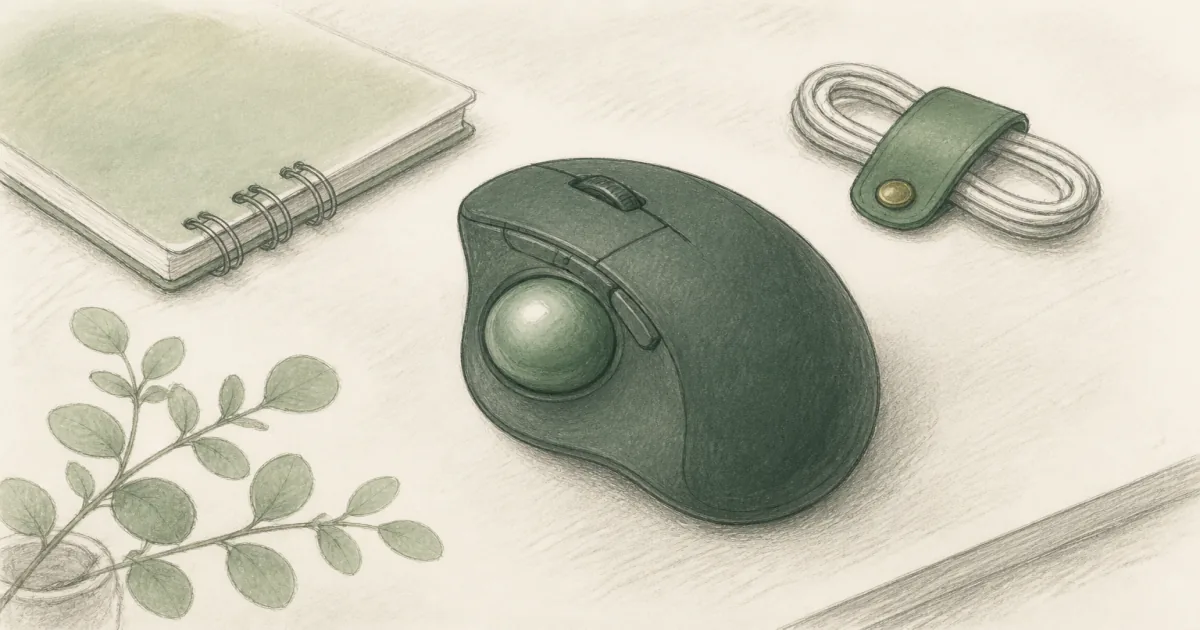
Best Trackball Mouse (2026): Thumb and Finger Control for Tight Desks
Desk accessories
The best trackball mouse keeps the shell still so your arm travels less. Start with the Logitech Ergo M575S for thumb control, drop to the budget Yadkbo for a cheap thumb ball with three-device switching, or pick the Kensington Orbit when you want finger tracking and a scroll ring.
Our picks
The best trackball mouse keeps the body parked so you move the ball, not the whole shell. That is a different job from an ergonomic mouse roundup or a vertical mouse. Trackballs win when desk space is tight, a standing desk top is busy, or sliding a mouse makes your shoulder work overtime.
Browse more desk accessories after the pointing device feels settled. A smooth desk pad still helps, even though the shell barely moves.
How much arm travel does a trackball actually remove?
Crossing a 27-inch screen about 200 times a day at 1600 DPI moves a mouse shell roughly 27 feet. A trackball shell moves zero, so all of that travel disappears.
The math behind the number
At 1600 DPI, moving the cursor once across a 2560-pixel-wide monitor needs about 1.6 inches of shell travel. Most desk users cross the screen far more than 200 times in a day, so the true distance is higher. The point is not the exact figure. The point is that the shell motion, and the shoulder motion that comes with it, goes to near zero.
Why that matters more on a small desk
On a narrow desk you run out of mouse pad before you run out of screen. A trackball removes the pad requirement entirely, which is why it is the natural pick when the desk is crowded or the mouse has to sit close to the keyboard.
Thumb vs finger control
Thumb trackballs put the ball on the side. Your fingers click while the thumb steers. Finger trackballs put a larger ball under the fingers, often with a scroll ring around it.
Neither is universally better. Thumb control feels closer to a regular mouse for many people. Finger control can feel more relaxed if you already rest your fingertips on a centered ball, and it also suits small hands better because the wrist stays flat.
Which one should a first-timer buy?
If you have used a mouse for years, the thumb ball will feel familiar within a day, and the budget Yadkbo is the cheapest way to try one. If you have wrist pain, a small hand, or you share the desk, start with a finger ball instead. The wired Orbit is the easiest one to hand to whoever sits down next.
Trackball vs regular mouse vs vertical
If your main complaint is forearm twist, try a vertical mouse first. If your main complaint is running out of mouse room, a trackball is the clearer buy.
Top pick: Logitech Ergo M575S
The Logitech Ergo M575S is the trackball default for most desks. The sculpted shell supports the hand, the thumb ball stays precise on any surface, and quiet clicks help when you share a room. It carries 4.5 stars from 2,355 ratings.
Connect with Bluetooth or the Logi Bolt receiver. Battery life on a single AA is rated at up to 18 months, the kind of set-and-forget detail that matters on a busy standing desk. The listing also cites about 25% less forearm muscle strain for this family. Skip it if you know you want finger tracking or a completely ambidextrous layout.
Who it is for: Right-handed desk users who want wireless thumb control and quiet clicks.
Shop: Logitech Ergo M575S on Amazon
Best budget: Yadkbo thumb trackball
The Yadkbo Ergonomic Wireless Trackball Mouse is the low-cost way into the thumb-ball habit. It pairs to three devices, two over Bluetooth and one over the included 2.4G receiver, and one button moves you between them. That suits a desk that runs a work laptop and a home PC.
It carries 4.3 stars from 113 ratings. The clicks are quiet, there are five DPI steps from 100 to 1200, and it sits at a 30-degree tilt. There is no built-in battery, so it runs on two AAA cells you supply, which is the one trade against the rechargeable models. The shell is sized for medium to large hands, so small-handed readers should pick a finger ball instead.
Use it when you want quiet thumb control and multi-device switching without paying Logitech money. Step up to the M575S if you would rather have the sculpted shell and the 18-month battery.
Who it is for: Budget desks and anyone switching between three machines all day.
Shop: Yadkbo trackball mouse on Amazon
Finger control: Kensington Orbit with Scroll Ring
The Kensington Orbit Trackball with Scroll Ring is the simpler finger-driven pick. You roll the ball with your fingertips and spin the ring for pages. It carries 4.3 stars from 7,599 ratings and an Amazon's Choice badge.
The wired USB connection means no battery anxiety and easy sharing between machines. It has two programmable buttons and a detachable wrist rest, so you can set it flat if the rest does not suit your hand. Use it when you want ambidextrous flexibility or dislike thumb balls.
Who it is for: First-time trackball users, small hands, and shared desks.
Shop: Kensington Orbit with Scroll Ring on Amazon
Is a trackball better than a vertical mouse for wrist pain?
They fix different things. A trackball stops the arm travel and the shoulder reach. A vertical mouse changes the forearm angle. If both are issues, change one at a time so you can tell which helped.
When to pick which
Pick the trackball if your complaint is "I keep running out of mouse room" or your shoulder aches from sweeping. Pick the vertical mouse if your complaint is a twisted forearm or a wrist that bends sideways. For the full posture picture, read the vertical mouse guide.
How do you clean a trackball?
Pop the ball out and wipe the three small contact points inside the socket. Dust there is the top reason a ball starts to feel gritty, and a one-minute wipe usually restores it.
A short maintenance routine
Clean the ball when the cursor starts to skip or drag. Wipe the contact points, let everything dry, then drop the ball back in. Keeping the desk clear of crumbs and pet hair saves most of this work.
Setup tips that shorten the learning week
- Slow the pointer for the first two days, then raise speed once aiming settles.
- Keep the keyboard close so you are not reaching for either device.
- Clean the ball occasionally. Dust under a trackball feels like a "broken" sensor.
- On standing desks, park wireless receivers where they do not drop out when the top rises.
If your keyboard still forces a twisted shoulder, fix that next with an ergonomic keyboard rather than buying a third mouse.
How do the three picks compare?
The Logitech thumb ball costs the most and gives you the sculpted shell and the long battery. The Yadkbo does the same thumb job for less and adds three-device switching, at the cost of feeding it AAA cells. The wired Orbit is the one to share, because either hand can drive it and it never needs power.
None of them needs a mouse pad worth more than a few dollars. If you are unsure which ball style suits you, try the budget thumb ball first, or the wired Orbit if a finger ball sounds more natural.
Who should skip a trackball
Skip trackballs if you need lightning-fast gaming aim, if you hate any learning curve, or if a sculpted optical mouse already feels fine. A trackball is a mechanism change, not a magic wrist cure.
Bottom line
Buy the Ergo M575S for wireless thumb control on a busy desk. Buy the budget Yadkbo if you want a thumb ball that switches between three devices and costs less, or the Orbit with Scroll Ring when finger tracking, a smaller hand, or a shared desk fits you better. Keep the ergonomic mouse page bookmarked if you decide the shell should still slide.
Frequently Asked Questions
What is the best trackball mouse for a home office?
Start with the Logitech Ergo M575S if you want wireless thumb control and quiet clicks. Choose the Yadkbo when you want a cheaper thumb ball that switches between three devices, or the Kensington Orbit with Scroll Ring when you prefer finger tracking and a simple wired setup.
How much arm travel does a trackball actually remove?
A mouse shell can travel roughly 27 feet a day crossing a 27-inch screen about 200 times at 1600 DPI. A trackball shell travels zero. That is the real benefit on a tight desk.
Is a trackball better than a vertical mouse?
They solve different problems. A trackball keeps the shell still so your arm moves less. A vertical mouse changes forearm angle. Pick the mechanism that matches your complaint.
Thumb trackball or finger trackball?
Thumb balls (M575S) feel closer to a regular mouse for many people. Finger balls (Orbit) keep the hand flatter and suit shared or ambidextrous desks. Try the style that matches how you naturally rest your hand.
Which is better for small hands, thumb or finger?
Finger balls are often easier for small hands because the fingers do the work and the wrist stays flatter. Thumb balls ask the thumb to cover the whole screen, which some small-handed users find tiring.
Does a trackball work on a standing desk?
Yes, and it suits one well. The shell never moves, so you never run out of mouse room as the desk top gets crowded. A wired model just needs the cable routed so it rises with the top.
How do I clean a trackball?
Pop the ball out and wipe the three small contact points inside the socket. Dust there is the top reason a ball starts to feel gritty, and a wipe usually fixes it in a minute.
Wired or wireless trackball?
Wireless is convenient on sit-stand desks if the receiver stays stable. Wired models like the Orbit never need charging and are easy to share between machines.
How long is the learning curve?
Most people feel usable within a few days and smooth within a week. Start with slower pointer speed, then raise it once aiming settles.
Who should skip a trackball?
Skip it if you do fast gaming or detailed illustration that already feels natural on an optical mouse, or if you refuse any adjustment period.