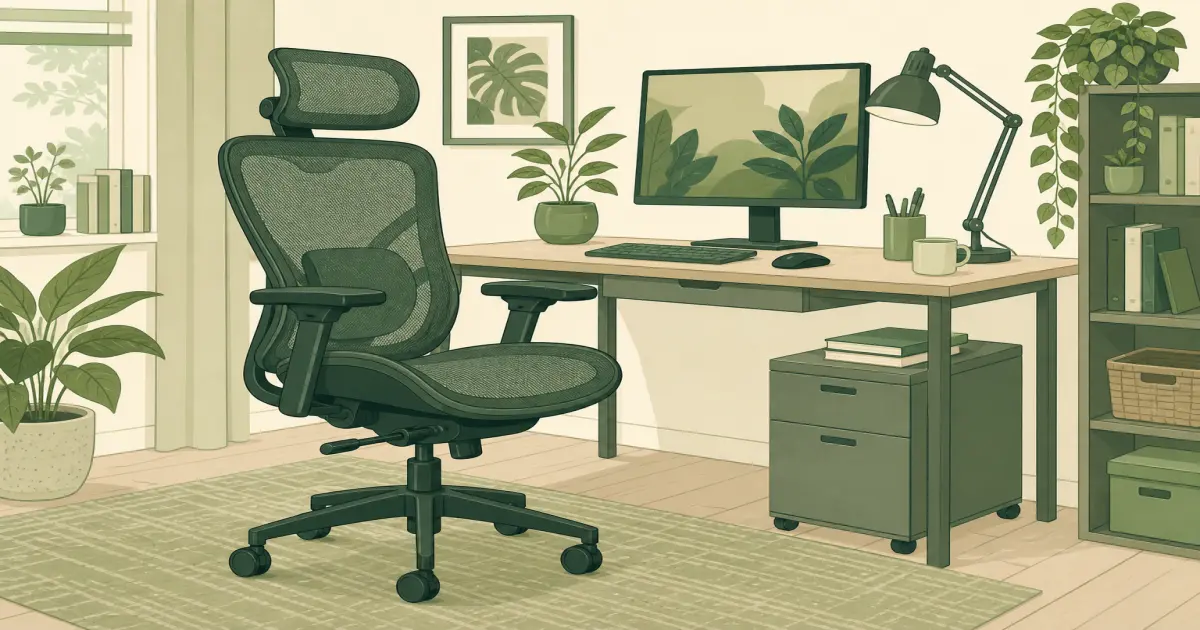
Office Chair With Headrest: When It Helps and What to Check
Office chairs
Learn when an office chair headrest is useful, how to set it up, and which measurements to check before buying.
Our picks
A headrest sounds like an automatic upgrade, but it is a fit feature, not a comfort guarantee. On the right chair, it gives you a place to rest your head when you lean back to read or listen on a call. On the wrong chair, it can nudge your neck forward and make the chair feel worse than a model without one.
On the right chair, it gives you a place to rest your head when you lean back to read or listen on a call. On the wrong chair, it can nudge your neck forward and make the chair feel worse than a model without one. Keep the box until you have used the recline on real calls, not only the unboxing sit.
Start with the chair fit
Choose the seat and backrest before you choose the headrest. Your feet should rest on the floor or a stable footrest, your knees should have a little space behind them, and the lumbar area should meet the curve of your lower back. A headrest cannot make a too-deep seat or a too-short backrest work.
Set your desk and monitor first, too. If your screen is too low, you may lean into the headrest to compensate. That turns a screen-height problem into a chair problem. Our standing desk height guide has a useful starting point for keeping the keyboard and screen in a neutral position.
If the headrest is optional for you, compare the rest of the office chairs collection.
What a good headrest does
When you recline a little, the headrest should meet the back of your head or upper neck. It should feel like support, not a bump forcing you to look down. Adjustable height is helpful because people with the same overall height can have different torso lengths.
If the headrest also tilts, test whether it supports you at your preferred recline angle. A headrest that feels fine upright can poke at your neck once you lean back. Recent buyer reviews are useful here. Look for repeated comments about height, forward pressure, and whether the adjustment holds.
Do not buy it for typing support
Most people do not use a headrest while actively typing. Your attention should be on armrest height, keyboard position, lumbar support, and screen height. The headrest earns its place during a video call, a reading task, or a brief pause between tasks.
That is why a removable or adjustable headrest is often more practical than a large fixed one. You can move it out of the way when it does not suit your posture. If you work in a small room, also check the chair’s total height before you order. Tall headrests can interfere with shelves or low desks behind you.
A practical pick to compare
The Hbada P5 Ergonomic Office Chair with Footrest and Headrest is a useful option to compare if you want a mesh chair with an adjustable headrest. It has a broad feature set, so the important job is separating the features you will use from the ones that simply look good in the listing.
Read the current dimensions and recent reviews before ordering. Pay particular attention to notes from buyers with a similar height. The chair may be a good fit for your calls and reading breaks, but measure your desk clearance and use the return period as a real fit test.
Set it up after a few normal workdays
Start by adjusting seat height and lumbar support. Then set the headrest so it lightly meets you only when you lean back. If it touches your head while you type, lower or tilt it away. Give the setup a few workdays before deciding whether the position is right.
If your chair still feels uncomfortable, compare it with our best office chair guide rather than adding accessories at random. The chair should fit the work you do all day, not just feel soft for five minutes.
Bottom line
An office chair with headrest can be worthwhile for long calls and reclining breaks, but the headrest must fit your neck and stay out of the way while you work. Choose the chair for its seat, back, and adjustability first, then treat the headrest as a useful extra.
Frequently Asked Questions
Do office chair headrests help posture?
They can support your head during reclined breaks, but they do not replace a correctly adjusted seat, lumbar support, and screen height.
Should a headrest touch my neck?
It should support the upper neck or back of the head without pushing your chin toward your chest.
Are headrests useful for typing?
Most people do not lean on a headrest while typing. It is more useful for reading, calls, and short reclined breaks.
Can a headrest be too high?
Yes. A too-high headrest can press against the wrong part of your head and feel distracting.
Do tall people need a headrest?
Not necessarily. Taller buyers should check the headrest’s adjustment range because fixed models may sit too low.
Can I add a headrest to my current chair?
Only use one made for your exact chair model. Universal add-ons often fit poorly and can affect the backrest.