Standing Desk Height Chart: Elbow Rule for Sit and Stand
Standing desks
Standing desk height comes down to elbows, wrists, and monitors. Set sit and stand presets once, then keep a mat handy so longer stands actually stick.
Our picks
Wrong standing desk height is why people try sit-stand desks once and quit. Too high and your shoulders creep up. Too low and you hunch over the keyboard. Forget generic height charts taped to the wall. Measure your elbows in the shoes you actually wear at home, save the presets, and only then worry about mats and boards.
Buying the frame first? Start with best standing desk. On a budget? See best standing desk under 500. Choosing a motor vs a crank? Read electric vs manual standing desk.
More height and frame guidance sits in the standing desks category.
The elbow rule for standing
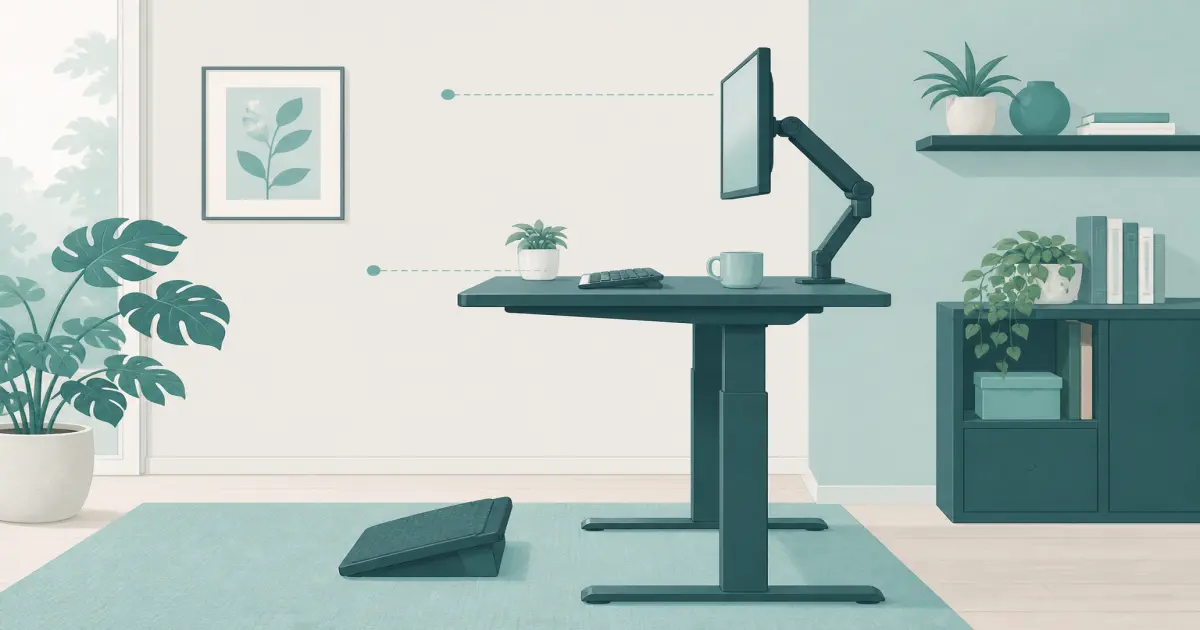
Stand the way you actually work: home shoes or socks, not dress shoes you never wear at the desk. Relax your shoulders. Bend your elbows about 90 degrees. Bring the keyboard up so your wrists stay roughly straight, not cocked up or down.
That keyboard height is your standing desk height target. If you use a keyboard tray, set the tray height, not only the desktop. Soft mats help feet during longer stands, but they do not replace correct elbow height.
The elbow rule for sitting
Sit with your feet flat on the floor or a footrest. Adjust the chair so thighs are roughly parallel to the floor and your lower back has support. Bring the desk to the same elbow logic: about 90 degrees, wrists neutral.
If the desk will not go low enough, your chair may be too high, or the frame’s minimum height is wrong for you. That is a buying filter, not something foam pads will fix. A keyboard tray for desk setups can help on fixed-height tops.
Measure before you order
- Sit and measure floor to elbow (or floor to keyboard plane).
- Stand and measure floor to elbow the same way.
- Compare both numbers to the desk’s listed minimum and maximum heights.
- Leave a little margin. Shoe choices and keyboard thickness change the feel.
Tall users should favor frames with a higher max and often three-stage legs. Shorter users should check minimum height carefully so sitting does not feel like a dining table. For a dedicated buying path, see standing desk for short person.
Setup kit that makes height stick
1. ErGear 48x24 electric standing desk. Measure first, then save sit and stand on the keypad the same day the desk arrives. Presets beat renegotiating height every afternoon. Shop the ErGear.
2. Topo by Ergodriven mat. Correct height still fails if your feet complain after ten minutes. A contoured mat makes longer standing blocks easier while you build the habit. Compare options in our anti fatigue mat for standing desk guide, or shop the Topo mat directly.
If you share the desk, save a third preset rather than arguing over the crank or keypad every evening.
Monitor height moves with the desk
When the desk rises, the monitors rise with it unless they are on a separate wall mount. Aim for the top third of the screen near eye level, with a slight downward gaze. Dual monitors should match height so your neck is not chasing different planes.
A monitor arm can save a shallow desk by pushing screens back and freeing keyboard space. Confirm the desktop thickness and weight capacity before clamping anything to a moving top.
Width and depth: the rest of “desk size”
Height is posture. Width and depth are workflow.
Measure the wall, door swing, and chair roll-back. A 60-inch top that blocks a closet is not a win.
Mistakes that ruin standing desk height
Copying someone else’s preset. Height is body-specific.
Standing in dress shoes for measurement, then working in socks. Re-measure in what you wear at home.
Raising the desk but leaving the chair armrests in the way. Drop or move arms so you can pull in close.
Standing eight hours on day one. Alternate. Correct height still needs a ramp-up for feet and back.
Ignoring cable length. A perfect preset that unplugs your dock every lift is not perfect.
Standing time without forcing it
Correct height still fails if you stand until your feet complain and then swear off the desk. Start with 15 to 20 minute standing blocks between sits. Build up over a couple of weeks. Soft shoes or an anti-fatigue mat help, but they are helpers, not substitutes for the elbow rule.
Want more movement after height is dialed in? A balance board for standing desk work can keep your feet from locking into one stiff stance. Prefer a tall perch instead of a full sit? Keep a drafting chair nearby.
Bottom line: Standing desk height is correct when elbows and wrists stay neutral in both positions and your monitors do not force a bent neck. Save the presets on an electric desk, keep a mat underfoot for longer stands, and size width for your real monitor count. More guides are on the blog and homepage.
Frequently Asked Questions
How do I find the right standing desk height?
Stand in your normal home shoes with relaxed shoulders. Raise the desk until your elbows bend about 90 degrees with wrists straight on the keyboard. Save that as a preset on an electric desk like the ErGear.
What about sitting height?
Sit with feet flat and thighs roughly parallel to the floor. Set the desk so elbows are near 90 degrees again. Your chair height and desk height have to agree.
How tall should a standing desk go?
Check the frame’s maximum height against your standing elbow height. Tall users often need three-stage legs. Always compare listed max height before buying.
Does desk width matter as much as height?
Yes for dual monitors. Height fixes posture. Width fixes whether you can work without stacking devices.
Should monitors sit at eye level when standing?
The top third of the screen near eye level is a solid starting point. Use a monitor arm or stand so you are not bending your neck when you raise the desk.
What if standing still still hurts my feet?
Correct height comes first. Then add an anti-fatigue mat or short blocks on a balance board. Soft flooring does not fix elbows that are too high.
Can I perch instead of sitting all the way down?
Yes. A drafting chair lets you rest near standing height without dropping the desk for a full sit.