Best Office Chair With Footrest (2026): 2 Picks for Work and Breaks
Office chairs
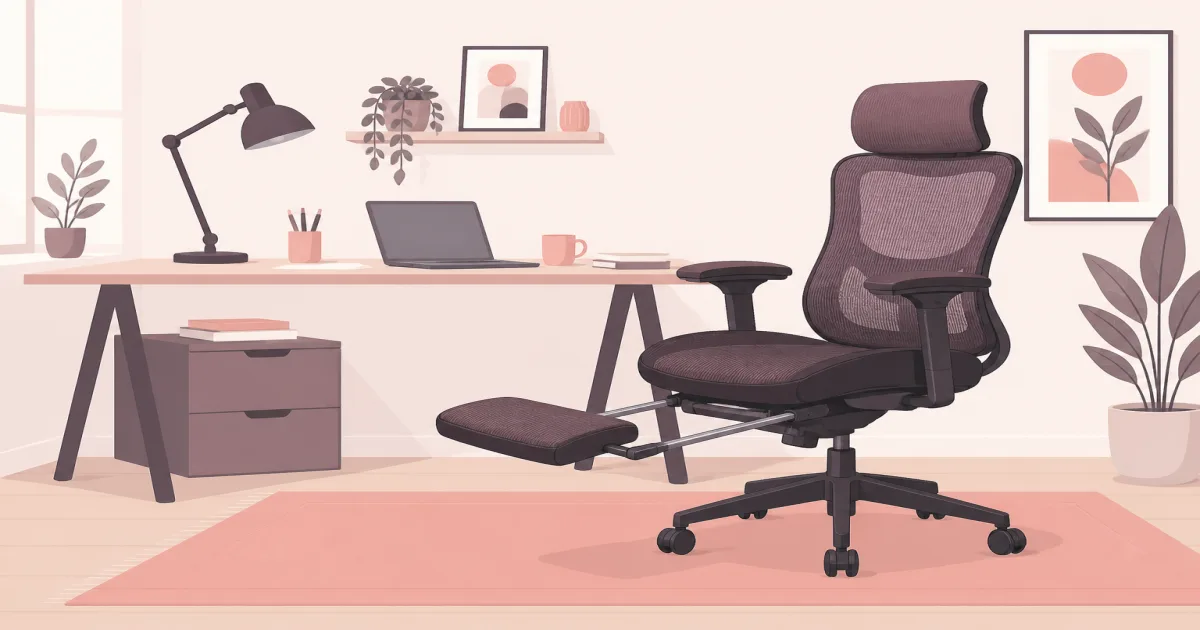
The best office chair with a footrest should still work well when you are upright and typing. These two picks give you different ways to add leg support without giving up a usable home-office chair.
Our picks
A built-in footrest sounds useful, but it should not decide the chair by itself. You will spend far more time upright at the keyboard than leaning back with your legs extended. Start with seat fit, lumbar position, and arm height. Treat the footrest as a break feature.
Can you use a chair footrest while you type?
No, not comfortably. A retractable footrest is built for reclining breaks, not typing. For typing, keep both feet on the floor or a separate desk footrest so your forearms stay level with the keyboard.
The leg rest on these chairs extends from under the seat and only makes sense once you lean back. If you try to type with it out, your knees rise and your forearms tilt up off the keys. That is the clearest sign it is a break feature, not a work feature. A separate footrest for a desk stays under your feet in the upright position, which is the right tool for typing support.
What is the footrest actually for?
The footrest is for the reclined half of the day: a short break, a reading stretch, or a call where you are not typing. It lets you extend your legs instead of letting them dangle, which is the whole point of the feature.
Do you need the footrest at all?
No. If you sit upright all day and your feet reach the floor, a chair without a footrest is simpler and often cheaper. Choose a retractable footrest only if you actually lean back during the workday.
Our two office chairs with footrests
The Hbada is the safer choice when the chair must work as office furniture first. The GTPLAYER makes more sense when you want a padded recliner for work, gaming, and breaks, and its seat dimensions fit you. Both ship an extended footrest, but they solve different problems.
Best for work: Hbada P5
The Hbada P5 Ergonomic Office Chair with Footrest uses a breathable mesh back, a padded seat, and adjustable lumbar support. Its overall shape is closer to a task chair than a gaming chair. That matters when you spend most of the day looking at spreadsheets, documents, or video calls.
The back reclines when you want a break, and the footrest extends from beneath the seat. When it is time to type again, the rest slides out of the way. This is how a built-in footrest should work. It should be available when needed without crowding your feet during normal work. It is rated 4.1 stars across 590 ratings at $179.00, down from a $209.99 list.
Owners commonly like the value, mesh airflow, easy assembly, and recline. The most useful complaints mention a firm seat cushion and arms that adjust less than premium task chairs. Those are important tradeoffs if you type for eight hours.
The Hbada is not a premium ergonomic chair. Its mechanism and arms are simpler than what you get from higher-priced task chairs. Still, it gives you a practical combination of upright support and a retractable leg rest.
Check it: Hbada P5 Ergonomic Office Chair with Footrest on Amazon
The office chairs section has more seats when the footrest is not the only priority.
Best value recliner: GTPLAYER Big & Tall Gaming Chair
The GTPLAYER Big and Tall Gaming Chair with Footrest and Lumbar Support is a heavy-duty padded chair with a 400 lb weight rating, a 90-to-135-degree recline, and a retractable footrest under the seat. It is rated 4.5 stars across 33,844 ratings at $169.96, down from a $249.99 list, with Amazon reporting over 1,000 bought in the past month.
Owners often praise the value and the deep recline. Recurring complaints mention thin padding on some older trims and armrests that do not adjust enough. On this Big and Tall model the seat uses a three-pad cushion and a pocket-spring lumbar, which addresses the older thin-padding theme.
Pay close attention to the seat bolsters. They rise along the sides and reduce usable width. People with wider hips may feel boxed in even when the listed chair width looks generous. A chair designed for a heavier person is a better place to start if you need a broad, flat seat.
The GTPLAYER works best for someone who wants one chair for computer work, gaming, and leaning back between tasks. It is less convincing for people who need exact arm and lumbar placement all day.
Check it: GTPLAYER Big & Tall Gaming Chair with Footrest on Amazon
Which chair should you buy?
Choose the Hbada P5 if you sit upright for most of the day, work in a warm room, or want lumbar support that feels more like a regular office chair. It costs more than some basic gaming chairs, but the mesh back and task-chair shape are more useful during work.
Choose the GTPLAYER Big & Tall if price, recline, a heavier weight rating, and a padded feel come first. It is also worth considering for a smaller user who fits comfortably between the side bolsters. Skip it if you need wide, flat seating or arms that line up precisely with the desk.
Skip both if the footrest is mainly meant to support dangling feet while typing. A separate footrest for a desk stays under your feet in an upright position. The leg rests on these chairs are designed for reclining.
How much does a chair with a footrest cost per workday?
The Hbada P5 at $179 over three years of about 250 workdays a year works out to roughly 24 cents a workday. The GTPLAYER Big & Tall at $169.96 lands near 23 cents a workday over the same span.
Spread over the years you keep the chair, both come in under a quarter a workday. The GTPLAYER shows the steeper discount off list, and the Hbada shows a lighter, cooler build.
How much room does a reclining chair with a footrest need?
Plan on about two feet behind the chair for the back to travel and the footrest to swing out, plus clearance in front of the extended rest. Measure before you buy: a recliner pushed against a wall will not reach its full angle.
Will an office chair with a footrest fit under a standard desk?
It can, but bulky racing-style arms often will not clear the desktop. Measure the flat space between the arms, the seat height with the footrest closed, and the room behind the chair before you order. A standard desk underside sits around 29 to 30 inches, and thick racing arms can sit right at that line.
Measure before you order
An office chair with a footrest uses more room than the product photo suggests. Measure in both the working and reclining positions.
- Seat height: Your feet should reach the floor when the footrest is closed.
- Seat depth: Leave a small gap behind your knees when your back meets the backrest.
- Seat width: Use the flat space between bolsters or arms, not the widest outside dimension.
- Desk clearance: Check whether the armrests fit under the desktop.
- Recline space: Leave room behind the chair and in front of the extended footrest.
- Weight capacity: Stay within the manufacturer's listed limit.
Keep the box until you have used the chair for several normal workdays. Chair fit is personal, and a generous return window is more valuable than a long list of comfort claims.
How to use the footrest without hurting your work setup
Set the chair for typing before opening the footrest. Your shoulders should stay relaxed, your forearms should meet the keyboard without reaching up, and your feet should rest on the floor. Use our standing desk height guide if the desk and chair never seem to line up.
Extend the footrest when you recline for a short break, reading, or a call that does not require typing. Do not use it as a reason to stay seated for hours. Stand up, walk around, and change position regularly.
The leg rest should support your calves without pressing sharply behind your knees. If it feels too short, unstable, or difficult to deploy, stop using that feature. A small platform attached beneath a chair is not built like a living-room recliner.
What matters more than the footrest
The best office chair with footrest still needs the basics of a good work chair. Lumbar support should meet your lower back instead of pushing your shoulders forward. The seat edge should not press into your legs. Armrests should let your shoulders drop while your hands reach the keyboard.
Recline tension also matters. A chair that suddenly falls backward is not relaxing. Look for a controlled recline and a lock or stop that feels stable at your preferred angle.
Should the armrests drop to the desk?
Yes. Set the arms low enough that your shoulders relax while your hands reach the keys, and check that they slide under the desk edge. If the arms are too tall, you will shrug all day no matter how good the footrest is.
Is a mesh or padded chair better with a footrest?
Mesh runs cooler and feels like a task chair; a padded racing seat reclines farther but runs warmer and narrower. Choose from the position you work in most, not from the footrest.
If you rarely recline, buy the best office chair you can afford and add a separate foot support only if needed. You will get more value from better fit and adjustments than from a feature that stays folded under the seat.
Bottom line: Buy the Hbada P5 when you want the best balance of upright home-office work and a retractable footrest for breaks. Buy the GTPLAYER Big & Tall when you want a heavier-rated padded recliner and its seat fits you. Measure the chair in working and reclining positions before ordering either one.
Frequently Asked Questions
What is the best office chair with footrest for working from home?
The Hbada P5 is the better starting point for most workdays because its mesh back, adjustable lumbar support, and task-chair shape suit upright computer work. The GTPLAYER Big & Tall is better if a deeper recline, a heavier weight rating, and a lower price matter more than a task-chair shape.
Can you use a chair footrest while typing?
Usually not comfortably. A retractable footrest works best when you recline for a short break. For typing, keep both feet supported by the floor or a separate desk footrest so your forearms can stay level with the keyboard.
Are office chairs with footrests good for long hours?
The chair still needs to fit your body and desk. Check seat depth, arm height, lumbar position, and minimum seat height before the footrest. A built-in leg rest does not make a poorly fitting chair suitable for a full workday.
Is a mesh or padded chair better with a footrest?
Mesh is cooler and usually feels more like a traditional task chair. A padded racing-style chair can feel softer and recline farther, but side bolsters and fixed arms may limit fit. Choose from your working position first.
Should I buy a chair with a footrest or a separate footrest?
Buy a chair with a retractable footrest if you want to lean back and extend your legs during breaks. Buy a separate footrest if your feet need support while you type. The two products solve different problems.
Will an office chair with a footrest fit under a standard desk?
It can, but bulky racing-style arms often will not clear the desktop. Measure the flat space between the arms, the seat height with the footrest closed, and the room behind the chair before you order.
Why does my chair footrest feel unstable?
A small platform under a chair is not built like a living-room recliner. If the leg rest feels short, shaky, or hard to deploy, stop using that feature instead of forcing it.