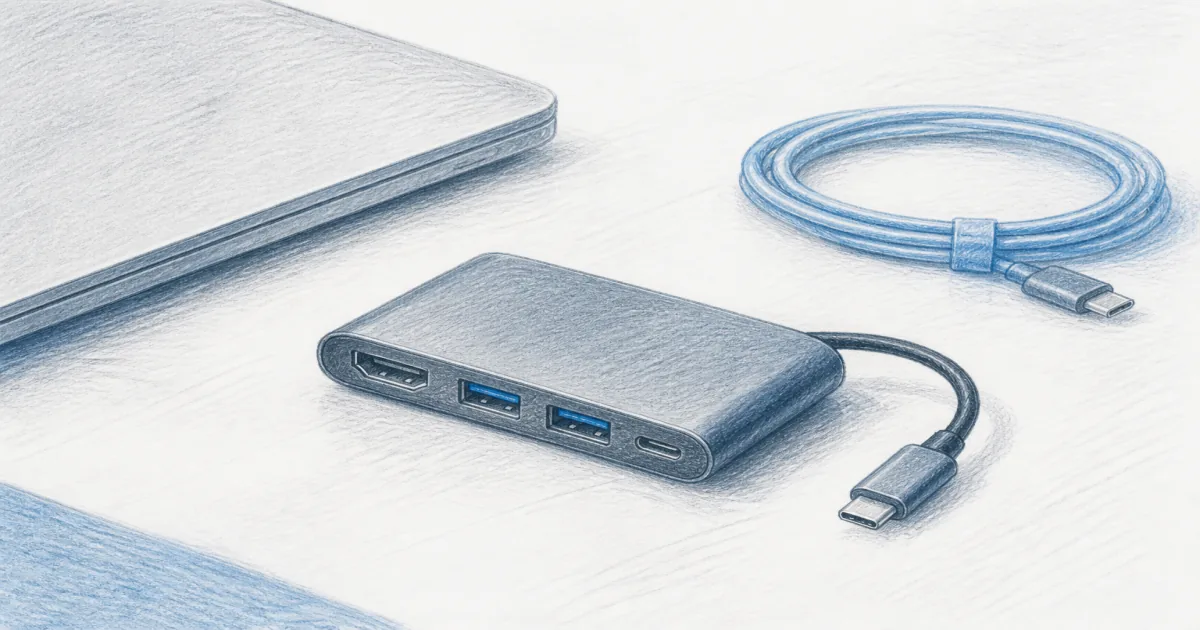
Best USB Hub for Desk: Ports That Stay Put
Desk accessories
A USB hub for a desk should add the ports you actually use without melting under a docked laptop. UGREEN Revodok covers HDMI, Ethernet, and charging for most sit-stand setups, and the ikling 9-in-1 adds VGA and card slots.
Our picks
A USB hub for a desk is how a thin laptop grows real ports again. You want HDMI for a monitor, USB-A for a keyboard or webcam, and enough power delivery that the machine stays charged while you work. That is a different job from an under desk power strip, which is about AC outlets moving with a sit-stand top.
Browse more desk accessories after the ports are sorted. Keep the laptop at a usable height with a laptop stand for desk if the screen still sits too low beside your monitor.
Should I buy a USB hub or an under-desk power strip?
They solve different problems, and most desks need both. A hub turns one USB-C port into HDMI, Ethernet, and extra USB. A power strip puts AC outlets (and sometimes USB charging) on the desk edge so a monitor and lamp can plug in without a cable running to the floor.
The confusion comes from the word "USB." Both products can have USB ports, but only the hub carries data and video. A power strip's USB ports charge a phone and nothing else. Buying a power strip to fix a missing monitor output will not work, and buying a hub to move AC power will not work either.
What does a hub actually add?
A compact USB-C hub adds the ports a thin laptop dropped to stay slim: HDMI for a display, USB-A for older peripherals, an SD slot for camera media, and often Ethernet for a wired connection. It uses the laptop's own power unless you feed it with a PD charger.
What does a power strip add?
An under-desk power strip adds AC outlets near the desk surface, so monitors, lamps, and chargers all have a home that rises with a sit-stand frame. It does not add display or data ports, and its USB ports are charging only.
Hub vs dock vs power strip
If your standing desk still yanks floor cords when it rises, fix power first. Then add the hub so device cables stay short on the desktop.
What ports does each pick carry?
The two picks cover different rooms. Compare them by the ports you actually use instead of the number on the box, because two extra USB-A ports help a desktop and do nothing for a laptop that only needs Ethernet and one screen.
Desk default: UGREEN Revodok 6-in-1 USB-C Hub
The UGREEN Revodok 6-in-1 is the desk default for one external display plus wired Ethernet. It carries HDMI at 4K and 60Hz, Gigabit Ethernet, USB-A and USB-C data ports at 10Gbps, and one USB-C PD input rated up to 100W. The shell is aluminum and plastic, weighs about 80g, and the connecting cable is braided and fixed to the hub.
Use it when your room Wi-Fi drops on calls and you want a cable to the router. The single USB-C PD port is the one that charges your laptop; the 10Gbps data ports move files but do not charge or drive a screen. Skip it if you need two HDMI outputs from one slim hub. That usually means a larger dock.
Who it is for: Laptop desks with one monitor that also want a wired network and charging from a single cable.
Shop: UGREEN Revodok on Amazon
More ports: ikling 9-in-1 USB-C Hub
The ikling 9-in-1 adds VGA beside HDMI, plus Ethernet, PD charging, USB ports, and SD and microSD slots. It is the pick for conference rooms and older monitors that still speak VGA. With about 10,672 ratings at 4.3 stars, owners have used it for years, which makes its long-term behavior easier to judge.
If you only need HDMI and Ethernet, the smaller UGREEN stays cleaner on a shallow desk. The ikling is the one to choose when an older display or a projector is still in the room. Keep its cables short so the bulkier body does not hang off the rear edge.
Is VGA still worth having?
Only if you plug into an older projector or monitor. VGA is the connector many conference rooms and older second screens still use, and a hub is the cheapest way to add it without a second adapter. If everything you own is HDMI or USB-C, skip the extra port and buy the smaller hub.
Who it is for: Desks that mix a modern monitor with an older VGA display, or anyone who wants card slots built in.
Shop: ikling 9-in-1 on Amazon
Do I need a powered USB hub?
For a keyboard, mouse, webcam, and one drive, a bus-powered USB-C hub is enough. Step up to a separately powered hub when you run several spinning drives at once or a large USB-A tower, because those devices draw more power than the laptop port reliably supplies.
The symptom of too little power is simple. A drive spins up, disappears, then comes back. If that happens when several devices are busy at once, the hub is fine and the power budget is the problem. Move the heavy drives to a powered hub or a wall-powered enclosure.
Will a USB-C hub charge my laptop?
Only if two things are true: the hub has a PD input, and your laptop charges over USB-C. You plug your charger into the hub, and the hub passes power through to the laptop while carrying data and video at the same time.
Expect to lose some watts along the way. A 100W input does not deliver 100W to the laptop once the hub's own chips and the attached devices take their share. If you run a power-hungry laptop plus two drives, use a charger with headroom above the laptop's own rating so the battery still climbs while you work.
Can one hub drive two monitors?
Usually not from a compact hub. Most single-display hubs output one clean extended screen, and a second connector either mirrors the first or refuses to light up. Two separate extended displays normally need DisplayLink or Thunderbolt hardware, which is a full dock.
That is why the hub in this guide is sold as a one-display fix. If you already run two monitors from one laptop, price a dock instead and keep the hub for travel or a second desk.
Why does a USB-C hub get warm?
Hubs get warm because they convert power, and conversion always produces some heat. A metal shell that feels warm is doing its job by pulling heat away from the chips inside, which is why the UGREEN and ikling cases both run aluminum or metal over plastic.
The line between normal and faulty is behavior, not temperature. Warm is fine if every device keeps working. If ports drop and reconnect, or the hub is too hot to hold, stop using it and replace it. A hub that stays stable while warm is not a problem to fix.
Setup tips that prevent flaky ports
- Plug the PD charger into the hub, then the hub into the laptop. Order matters on some machines.
- Put high-draw drives on their own powered path if the hub feels warm or devices disconnect.
- Route slack into a tray with standing desk cable management so the hub does not hang off the rear edge.
- Test HDMI at your real resolution before you return the box. Some older USB-C ports top out below 4K60.
Who should skip a compact desk hub
Skip it if your desktop tower already has spare USB and DisplayPort. Skip it if you need three monitors from one MacBook without DisplayLink. And skip random no-name hubs that promise dual 4K and 100W charging at a price that cannot cover those chips.
Bottom line
Buy the UGREEN Revodok when Ethernet and a compact 6-in-1 layout matter at the desk. Buy the ikling 9-in-1 when VGA or a fuller port set matters. Add an under-desk power strip when outlets, not ports, are the real problem.
Frequently Asked Questions
What is the best USB hub for a home office desk?
Start with the UGREEN Revodok 6-in-1 if you want HDMI, Ethernet, USB ports, and laptop charging in one hub. Choose the ikling 9-in-1 when you also need VGA or more card-reader convenience.
Is a USB hub the same as an under desk power strip?
No. A USB hub expands data and display ports from your laptop. An under desk power strip puts AC outlets (and sometimes USB charging) on the desk edge. Most standing desks need both jobs covered separately.
Do I need a powered USB hub?
Bus-powered USB-C hubs like these are fine for keyboards, mice, webcams, and one drive. If you chain several hard drives or an old USB-A tower hub, look for a separately powered hub so ports do not brown out.
Will a USB-C hub charge my laptop?
Only if you plug a PD charger into the hub's PD-in port and your laptop supports USB-C charging. Plan on losing some watts to the hub itself. Keep a charger rated for your laptop's needs.
Can one hub drive two monitors?
Many compact hubs only output one clean extended display. Dual external displays usually need a full USB-C docking station, DisplayLink, or Thunderbolt hardware. Check your laptop's GPU limits before you buy a second screen.
Why does my USB-C hub get warm?
Hubs convert power, and conversion makes heat. A warm aluminum body is the shell spreading heat away from the chips, which is normal. If ports disconnect or the hub is too hot to touch, that is a fault, not normal warmth.
Where should I place the hub on a standing desk?
Keep it on the desktop or a clamped tray so cables rise with the top. Park brick chargers in a tray with your cable management for desk plan so nothing swings into your knees.
Who should skip a compact USB-C hub?
Skip it if you already own a full docking station that works, or if your desktop PC already has enough rear ports. A hub is for laptop desks that run out of USB-C openings.