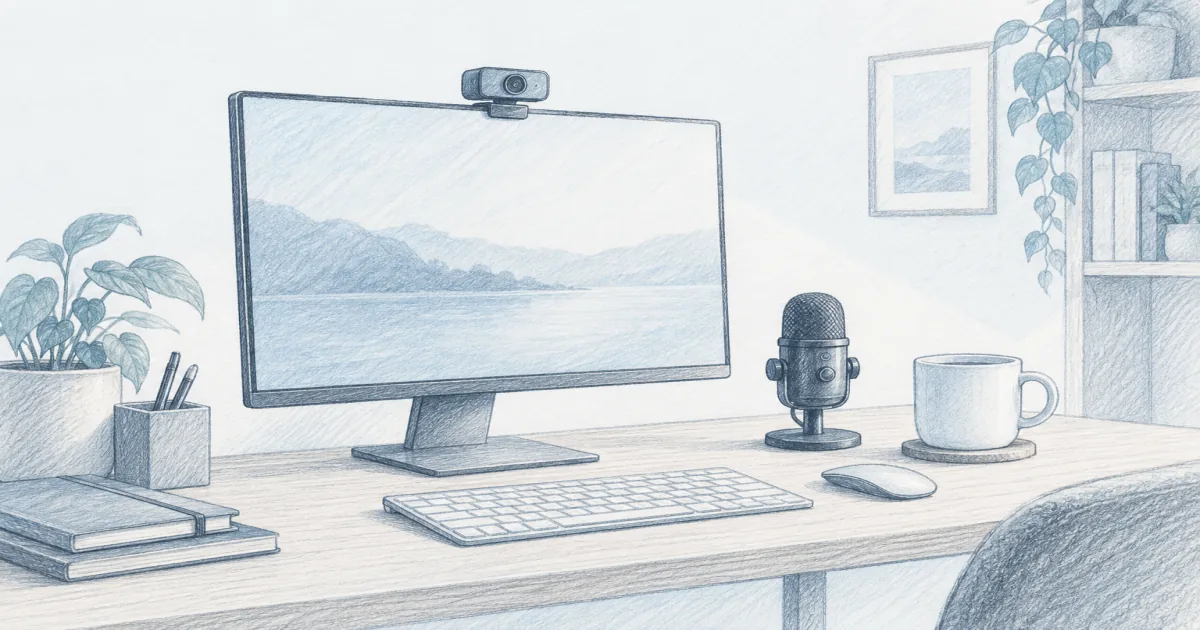
Best Webcam for Video Calls (2026): Clear Picks for Work Calls
Desk accessories
The best webcam for video calls is the PixelForge 2K when you want sharper video and a built-in light that fixes a dim desk. The Logitech C920x stays the proven pick, the NexiGo N60 keeps calls cheap, and the UGREEN 2K is the budget 2K.
Our picks
The best webcam for video calls at a normal desk is the PixelForge 2K when you want a camera that lights itself. It shoots 2K, autofocuses as you move, and carries a ring light around the lens, which does more for how you look than any spec bump.
If you would rather have a camera with a long, proven track record, the Logitech C920x is still the safe 1080p choice. For a clear face on Zoom and nothing more, the NexiGo N60 covers it for around $25, and the UGREEN 2K is the cheapest route to sharper video.
A webcam is the small upgrade that finally makes you look better than the laptop lid camera. Light is the other half, and the PixelForge builds that in. Pair a plain camera with a webcam light and a webcam mount if you want the framing right, then round out the desk with the rest of our desk accessories. If your screen height is still wrong, fix that first with a monitor arm.
What actually matters for work calls
Most buyers chase resolution and ignore the two things that decide how you look: light on your face and where the camera sits. A 1080p camera with a soft light beats a 4K camera in a dim room every time.
Here is the short list that matters for meetings:
Set the camera at eye level, roughly the top of your screen, so you are not looking down your nose at the call. Then light your face from the front and slightly above. Those two moves do more than any spec bump.
Does resolution matter more than lighting?
For calls, lighting wins. A 1080p camera with a soft light in front of you beats a 4K camera in a dim room, because meeting apps compress the video anyway. The PixelForge 2K is the pick here because it carries its own ring light, so a dim desk still reads clean.
Where should I put the webcam?
Set it at eye level, roughly the top of your monitor, so you are not looking down your nose at the call. Most picks clamp to a monitor or a laptop lid, and several add a tripod thread or a swivel base if you would rather stand the camera on a small desk stand.
Top pick: PixelForge 2K
The PixelForge 2K is the pick for most desks because it solves the two problems at the same time. It records 2560x1440 video through an autofocus lens, so your face stays sharp when you move, and the ring light around the lens throws soft fill at your face without a separate lamp.
The light has two modes and three brightness levels, so a low setting is enough in a lit room and the brightest mode carries a dark one. A noise-reducing mic handles one person at a desk, the privacy cover is built into the shell, and it runs on a single USB cable with no setup on Windows or macOS.
Use it when you want better calls without buying a light and a camera. Skip it if you need manual image controls, because this is a set-and-forget camera for meetings.
Do I need a privacy cover?
A cover is worth having if the camera sits on all day, and three of these four include one. The PixelForge has a cover built into the shell, while the NexiGo N60 and the UGREEN 2K each ship with one. The C920x leaves it out, though a third-party shutter fits.
Check the PixelForge 2K on Amazon
Best for reliability: Logitech C920x
The Logitech C920x is the camera to buy when you want a proven name on a work desk. It records 1080p at 30fps, uses a 78 degree field of view that fits one person cleanly, and carries two stereo microphones so your voice arrives without a separate headset.
The clamp grips a monitor or a laptop lid, and the tripod thread underneath lets you move it to a small stand if you share the screen. The fixed USB-A cable is about five feet, which reaches a tower on the floor or a laptop to the side.
Use it when you want a camera that just works on call after call. Skip it if you need a detachable USB-C cable for travel, or if you want a privacy cover included. Both are easy to live without, and a third-party shutter fits the shell. The picture is best in a lit room, so add a light before you blame the camera.
Check the Logitech C920x on Amazon
Best value: NexiGo N60
The NexiGo N60 is the pick for students, second desks, and anyone who takes a handful of calls a week. It records 1080p at 30fps through a glass lens that is tuned for normal desk distance, and it plugs straight into USB with no setup.
Two noise-canceling mics sit inside, and the listing includes a clip-on privacy cover plus a 1/4 inch thread for a small tripod. The 360 degree base makes it easy to point at a desk or a whiteboard.
Use it when price leads and 1080p is enough. The fixed lens is wide, so give it a little distance and avoid sitting nose-to-camera. It also wants front light to look clean, like every webcam here. The firmware update note is worth heeding if you ever hear an audio delay.
Check the NexiGo N60 on Amazon
Best budget 2K: UGREEN 2K
The UGREEN 2K is the value leader when you want more pixels for less money. It shoots 2K at 30fps from a 4 MP sensor, with a 95 degree field of view that frames you and part of the room.
Dual microphones and auto light correction cover normal meetings, and the base rotates a full turn for monitors, laptops, or a tripod. The privacy cover comes in the box, which is the detail the cheapest cameras skip.
Use it when you want sharper video without a premium price. The extra width is helpful for showing objects and less flattering for a single face, so slide it closer for talking-head calls. It needs a decent front light, and it is fixed focus, so keep your seat roughly where you set it.
1080p, 2K, or 4K for meetings
Match the camera to the call, not to the spec sheet. Most meeting platforms cap what they send, so the jump from 1080p to 4K rarely reaches the other side.
If you also record or stream, 2K and 4K are worth the step up. For meetings alone, 1080p plus good light is the smarter spend.
How do I look better in low light?
Put a soft light in front of you at face height and turn off overhead downlights, then switch the camera off auto light and auto white balance so the exposure stops chasing the room. The PixelForge 2K skips the lamp because its ring light is built in.
Who should skip these
Skip all four if you already have a newer laptop with a strong built-in camera and a well-lit desk, because the difference will be small. Skip the PixelForge if you shoot video that needs manual controls, because it is tuned for meetings. Skip the C920x if a detachable USB-C cable matters for a bag you carry daily. Skip the NexiGo N60 if you sit very close to the screen, since the wide lens exaggerates your face.
If your problem is sound rather than picture, a work headset does more than a camera upgrade. If your problem is light, a webcam light fixes it for less than a new camera, or the PixelForge brings its own.
Bottom line
Buy the PixelForge 2K for better everyday calls, because it brings the light and the sharper picture in one camera. Buy the Logitech C920x when a proven, long-lasting 1080p camera matters most. Buy the NexiGo N60 when the budget is tight and 1080p is enough. Buy the UGREEN 2K when you want sharper video for the price of a takeout lunch. Whichever you choose, set it at eye level, and you will look better on the next call.
Frequently Asked Questions
What is the best camera for video calling?
For most home offices the PixelForge 2K is the best all-round pick. It records 2560x1440 video with autofocus and a built-in ring light, so you look sharp even when the room is dim. Choose the Logitech C920x if you would rather have a proven 1080p camera with years of driver support behind it.
What is the best high-quality webcam for video conferencing?
Quality for calls comes from light on your face and a clean signal more than raw resolution. The PixelForge 2K brings its own light, while the C920x and the UGREEN 2K look noticeably better than a built-in laptop camera once you add one soft light in front of you.
Should I get a 4K or 1080p webcam?
For calls, 1080p is enough. Most meeting apps downgrade 4K video anyway and the extra pixels mostly help if you crop or record. Spend the difference on a webcam light before you spend it on 4K.
Which webcam can zoom in and out?
The NexiGo N60 and the C920x both zoom through their companion software, and the zoom is digital rather than optical. Move the camera closer if you want a tighter frame without softening the image.
Do I need a webcam with a microphone?
A webcam mic is fine for one person at a desk. If you present all day or share a room, pair a webcam with a work headset so your voice comes through clearly.
Will these webcams work with Zoom, Teams, and Google Meet?
Yes. All four are plug-and-play on Windows and macOS and show up as a standard camera. No extra drivers are needed for one person at one desk.
How do I stop looking dark on video calls?
Put a soft light in front of you at face height and turn off overhead downlights. Then disable the camera's auto light and auto white balance so the exposure stops chasing the room.