Best Webcam Light for Home Office Calls
Lighting
A webcam light should light your face for calls without washing out the screen. Logitech Litra Glow is the monitor-mount default for most desks.
Our picks
A webcam light is face lighting for calls, not a replacement for a task lamp on paper. Soft light aimed at you beats a bright window behind your head that turns you into a silhouette. The whole job is to put an even wash of light on your face at the moment the camera fires. Everything else, from a light bar to a bias light, does a different job.
The two picks here cover the two mounting realities. A monitor clamp sits the light near the lens and keeps the desk clear, which is what most callers want. A weighted base works when the screen has no edge to grip, the desk is glass, or the lamp has to travel. For broader lighting options, browse lighting, and set your desk height with a best standing desk guide if you still lean into the camera.
What does a webcam light actually do?
A webcam light puts soft, front-facing light on your face so a camera exposes it evenly. It raises the light on your side of the desk and leaves the room light alone. That is why a small panel near the lens beats a bright ceiling fixture: the ceiling is behind and above you, which is what carves shadows under the eyes.
It does not light your keyboard, your notes, or your wall. Those are separate jobs. If you only need keyboard brightness, start with a desk lamp or monitor light bar instead. If you want a larger soft ring or clamp kit, compare our ring light for desk guide.
Webcam light vs ring light vs monitor light bar
The names overlap, so pick by the job. If the light has to sit close to the camera and stay off the keyboard, that is a webcam light or a small ring light. If it has to light the desk surface for writing, that is a bar.
Where should a webcam light sit?
Slightly above and in front of your face, as close to the camera axis as the mount allows. High enough to avoid a nose shadow, close enough that the light is even. Avoid pushing it to one side, which shadows the far cheek.
Hero pick: Logitech Litra Glow
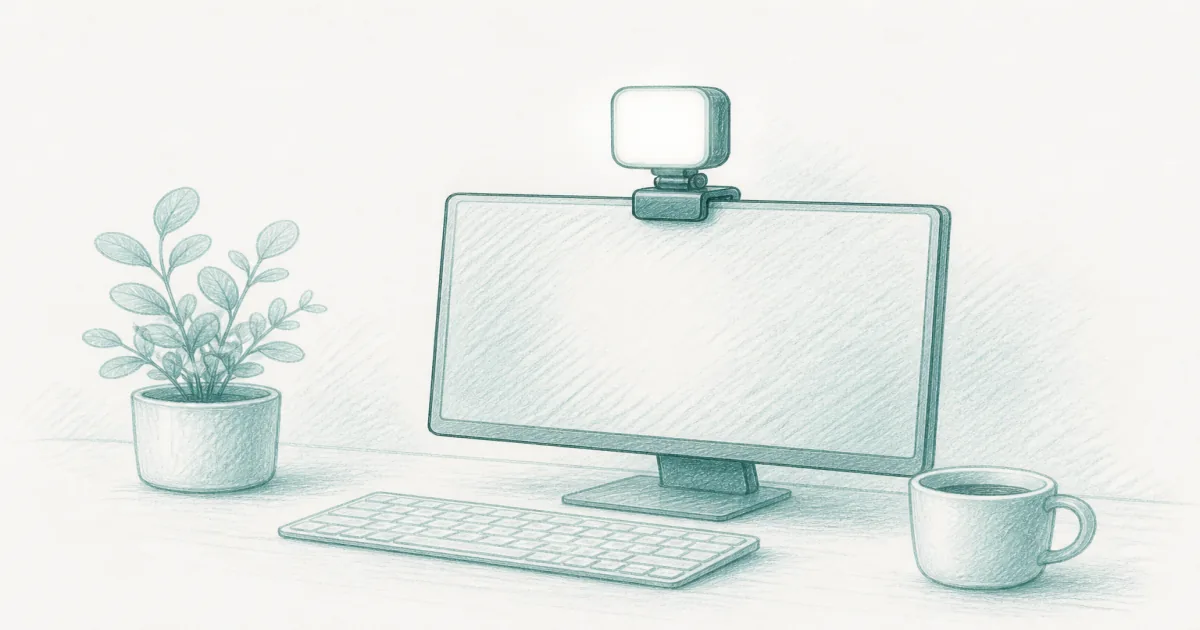
The Logitech Litra Glow is the webcam-light default for monitor-mounted soft light. It sits near the lens, spreads a wide beam, and lets you tune brightness and color temperature for morning or evening calls. Owners who live on Zoom usually care more about that mount than about studio wattage. A 250-lumen peak is plenty at desk distance once the room is not fighting you.
The mount unscrews to reveal a standard ¼-20 thread, so you can put it on a tripod for a day when you need the light off the monitor. Brightness, color temperature, power, and saved presets are available through the free desktop app, which is more control than the price usually buys. Skip Litra Glow if your ultrawide has no safe clip edge or if you need the light farther off-axis than a monitor mount allows. That is when a stand light is the better choice.
Who the Litra Glow is for
Buy it if you take calls on a flat or gently curved monitor and want soft front light without giving up desk space. Skip it if your screen has no flat edge to grip or you need the lamp to move between rooms.
Stand alternative: desk ring light with base
The weighted-base desk ring light is the no-clamp option. It works on glass edges, thin particle-board lips, and rooms where the light has to move. Multiple color modes help when your office switches from daylight to warm evening bulbs. The head reaches from about 23 to 31 inches tall, which lands above eye level on a standard desk.
It uses more desktop footprint than Litra Glow. Keep it off the keyboard zone and aim slightly above eye level. The 10.5-inch size is the reason to like it and the reason to check your distance: sit too far back and the soft light turns harsh, so this is a light for a desk you sit close to, not a studio tripod across the room.
Who the base light is for
Buy it if you cannot clamp the screen, you have a glass desk, or the light needs to move between rooms. Skip it if desk space is tight or you want a light that disappears off the desktop.
Litra Glow vs desk ring light: which webcam light?
Both sit above 4.0 stars, and both handle a normal call once the room light is not behind you. Pick the clamp when you want the desk clear; pick the base when you need the light to work without an edge.
How bright should a webcam light be?
Bright enough to even out your face, dim enough that the screen stays readable. Start low and raise it until the shadow under your nose and eyes softens. Most calls use a fraction of the light's maximum, especially in a room that already has some light.
Blasting full brightness is what makes a face look flat and washed out. It also bounces off a glossy screen. Aim the light at your face, not the panel, and dim until the keyboard is still easy to see.
Will a webcam light cause monitor glare?
It can if the light sits too low or too far to one side and the beam hits the panel at an angle. Raise the light above the screen's top edge, aim toward the face, and keep the beam narrow. A slight angle back toward you, not down onto the desk, is what keeps the screen clean.
If glare keeps showing up, a bias light behind the monitor can help by lifting the wall brightness behind the screen. That reduces the contrast between the bright panel and a dark room, which is easier on the eyes during long calls. See our bias lighting for monitor guide.
Can you use a webcam light on a standing desk or a glass desk?
Yes. A monitor-mounted light moves with the screen when the desk rises, so it stays at the same angle all day. A base light needs enough desk depth that it does not tip when you raise the desk, and it should sit clear of the keyboard as the surface moves.
A glass desk is the easy case for a weighted base and the hard case for a clamp. Clamps need a lip to bite, and glass edges often reject them. A 10.5-inch base light with a wide metal foot is the safer choice when the desk is glass.
Do you still need a desk lamp?
Yes, if you read paper or type in a dim room. A webcam light does your face, not your desk. A best desk lamp or a monitor light bar covers the work surface without bouncing into the camera. Many home offices end up with both: a face light near the lens and a task light on the desk.
A laptop stand for desk also helps here. Raising the laptop closer to eye level means the camera looks you in the eye, so the light does not have to work as hard to keep your face even.
Bottom line: Mount the Litra Glow when the monitor can take a soft face light, and use the weighted-base ring light when clamps fail or the lamp has to travel. Keep task lamps and light bars for the desk surface so the webcam light can stay focused on your face. Dim it until the screen stays readable, and the call will look better without a studio setup.
Frequently Asked Questions
What is the best webcam light for a home office?
Start with the Logitech Litra Glow when your monitor edge can take a mount. Use a weighted-base desk ring light when you cannot clamp or you move the light between rooms.
Webcam light vs ring light?
A webcam light aims soft light at your face near the camera. A ring light for desk is often a larger circular or key light on a stand or clamp. Overlap exists, but webcam lights prioritize monitor mounting and call-ready color.
Webcam light vs monitor light bar?
A monitor light bar lights the desk surface under the screen. A webcam light lights your face. Many setups need both jobs covered separately.
Where should I place a webcam light?
Slightly above and in front of your face, close to the camera axis. Avoid blasting light into the screen glass from the side.
Will a webcam light cause monitor glare?
It can if it sits too low or too far off to one side. Raise it, aim toward your face, and dim until the screen stays readable.
Do I still need a desk lamp?
Yes for paper and keyboard task light. A webcam light is for your face on camera. See best desk lamp when notes and documents stay dark.
Can I use a webcam light on a standing desk?
Yes. Monitor-mounted lights move with the screen. Base lights need enough depth so they do not tip when you raise the desk.
How bright should a webcam light be?
Bright enough to even out the face, dim enough that the screen stays readable. Most calls need a fraction of maximum brightness once the room light is not behind you.