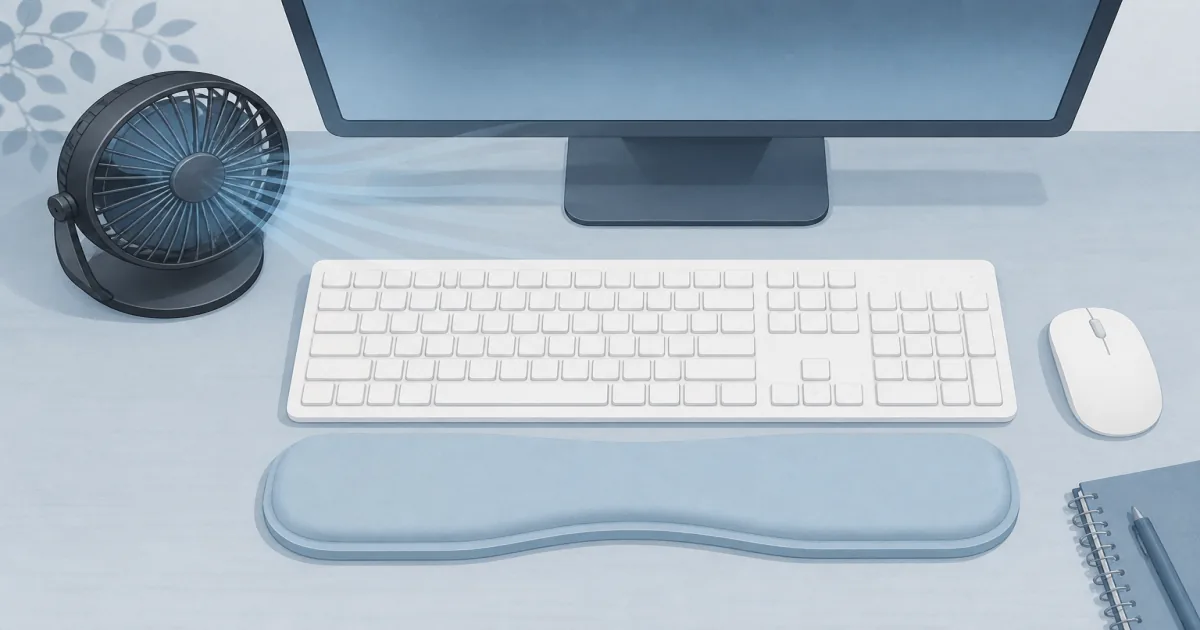
Desk Fan for Home Offices: Quiet Air Without Eating the Desktop
Desk accessories
A desk fan should cool your face and hands without blasting papers or shouting over meetings. These two compact circulators cover most home-office desks.
Our picks
Hot afternoons make focus worse before they make you miserable. A desk fan’s job is narrow: move air across your face and hands so you stay comfortable without turning the room into a wind tunnel.
If your desk is already a cable nest, pair any fan with basic cable management for desk routing so the cord does not fight the chair casters.
The desk accessories section has other comfort gear for warm rooms.
Hero pick: Honeywell TurboForce HT900
The Honeywell TurboForce HT900 Table Fan is the default recommendation for a reason. The footprint is small. The head pivots so you can aim the beam at your chest or face instead of blasting the keyboard. Three speeds cover quiet call days and hotter late-day pushes.
On high, the airflow is focused. That feels great when you are warm and annoying when sticky notes live in the blast path. Start on low, then step up only as far as you need. Most owners treat it as a personal circulator, not a whole-room fan, which is exactly how a desk should use it.
Shop: Honeywell TurboForce HT900
Simple alternative: Amazon Basics Air Circulator
The Amazon Basics Air Circulator Desk Fan is the quieter-looking sibling in spirit: three speeds, a 90-degree tilt, and a compact black shell that disappears beside a monitor. The rear knob is easy to find without looking away from the screen.
It will not feel as aggressive as the Honeywell on the top setting. For many people that is a feature. If you mainly need a steady breeze during video calls, the Basics fan is enough and often easier to live with all afternoon.
Shop: Amazon Basics Air Circulator Desk Fan
How to aim a desk fan so work still works
Point the airflow at your body, not at the paper stack. A side angle usually works better than a head-on blast into the microphone. Keep drinks behind the fan’s sweep so a bump cannot tip liquid into the blades.
Standing-desk users should re-aim when they change height. A fan aimed for sitting can hit the underside of a raised desktop or miss you entirely when you stand. If you split the day between sitting and standing, see our best standing desk notes on keeping accessories in the same reach zone.
Desk fan vs floor fan vs AC
Most home offices only need a desk fan as a comfort tool on top of whatever cooling the house already has.
Who should buy which desk fan?
Buy the Honeywell TurboForce if you want the strongest personal blast from a tiny base. Buy the Amazon Basics circulator if you prefer a softer top speed and a simple tilt knob.
Skip both if you need silent overnight white noise, a clip fan for a bunk bed, or a tower fan for a whole room. Those are different shapes with different noise profiles.
Bottom line: Start with the Honeywell TurboForce HT900 for most desks. Keep the Amazon Basics Air Circulator in mind when you want simpler tilt control and a gentler high setting.
Frequently Asked Questions
What is the best desk fan for a home office?
The Honeywell TurboForce HT900 is the best starting point for most desks. It is compact, easy to aim, and strong enough for personal cooling without taking over the whole room.
Will a desk fan be too loud for video calls?
On low or medium, most people can take calls without sounding like they are outdoors. Keep the fan off-axis from the microphone and avoid the highest speed during important meetings.
Where should I place a desk fan?
Aim it across your torso or toward your face from the side of the desk, not straight at loose papers. Leave cable slack so the base cannot tug a power strip when you tilt the head.
Do I need oscillation?
Not for a personal desk. A pivoting or tilting head that points at you is usually better than a wide room sweep. Oscillation helps more in a bedroom than at a single workstation.
USB fan or plug-in circulator?
USB fans are quieter and weaker. Plug-in circulators like these two move more air for warm afternoons. Choose USB only when outlet space is gone and you need a gentle breeze.
Can a desk fan replace a room AC?
No. It moves air over your skin so you feel cooler. It does not lower room temperature. Pair it with whatever cooling you already have.
How do I keep a fan from blowing papers?
Use lower speeds, aim slightly upward or sideways, and clip or weight loose sheets. A desk pad also helps keep stacks from skating.