Best Laptop Cooling Pad (2026): Quiet Picks for a Home Office Desk
Desk accessories
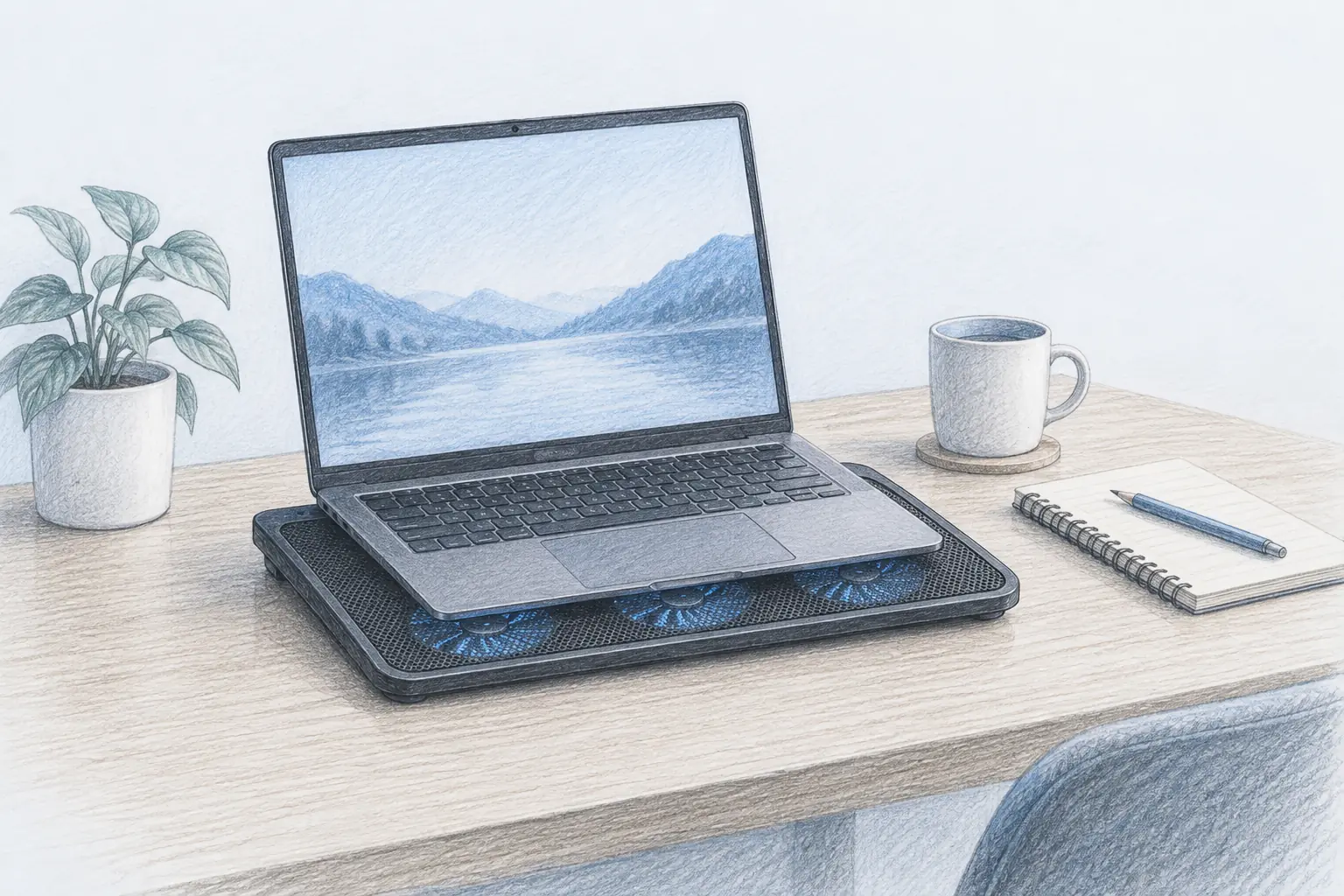
A laptop cooling pad lifts the intake vents off the desk and pushes air where the machine needs it. The Kootek five-fan pad is the best all-round pick, the havit HV-F2056 is the slim value buy, and the Targus Chill Mat is the one for lap work.
Our picks
A laptop that runs hot does three annoying things: the fan spins up during calls, the chassis gets uncomfortable under your wrists, and performance drops when the processor throttles. A cooling pad does not fix a dusty laptop or a broken internal fan, but it does give the intake vents clean air and a straight path for heat to leave.
If your real complaint is screen height, you want a laptop stand for a desk instead. Many cooling pads double as a stand, which is one reason they earn desk space in a small office. To clear the desktop around it, a monitor arm helps, and the rest of desk accessories finishes the corner.
When a laptop needs a cooling pad
Laptops pull cool air from the underside and push hot air out the sides or back. On a hard desk, the rubber feet usually leave just enough gap to breathe. On a bed, a cushion, or a lap, that gap closes and the machine heat-soaks within minutes.
A cooling pad restores the gap and adds active airflow. The gain is biggest when you work the laptop hard: video calls, exports, code builds, or games. On a light browser day, a good pad mostly buys you quiet, because the internal fan stops running at full tilt.
The ergonomic side effect matters too. Angling the keyboard a few degrees is easier on your wrists than typing flat, which is why so many pads ship with tilt settings.
Top pick: Kootek Laptop Cooling Pad
The Kootek Laptop Cooling Pad is the best all-round pick for a home office. Five fans, three operating modes, and two USB ports cover the practical needs, and the metal mesh surface keeps the laptop stable. It fits laptops from 12 to 17 inches.
The six-position stand is the quiet bonus. It puts the screen at a better height and angles the keyboard, which matters when the laptop is your only machine. A front baffle stops the laptop sliding forward when you tilt it.
Who it is for: A laptop-first desk, heavy call or creative workloads, and anyone who wants one pad to do cooling and ergonomics.
Skip if: You carry the laptop between home and an office and need a pad that survives a backpack.
Shop: Kootek Laptop Cooling Pad on Amazon
Best value: havit HV-F2056
The havit HV-F2056 is the slim, low-cost option that still does the job. Three 110mm fans move a decent amount of air at a low, quiet speed, and the USB pass-through keeps your port count intact. At just over an inch thick and about 1.6 pounds, it travels well.
It fits 15.6 to 17-inch laptops and offers two tilt settings. That is less adjustment than the Kootek, but it is enough to stop the flat-typing slouch.
Who it is for: Light-to-medium workloads, small desks, and anyone who wants a pad they can also pack.
Skip if: You push the laptop hard for hours and need the airflow of a five-fan pad.
Shop: havit HV-F2056 on Amazon
Best on the lap: Targus 17-Inch Dual Fan Chill Mat
The Targus 17-Inch Dual Fan Chill Mat is built for the days the laptop leaves the desk. Dual USB-powered fans sit under an open mesh top, and the soft neoprene underside cushions your legs while keeping the intake clear of fabric.
The ergonomic tilt helps typing, and the rubber stops hold the machine in place. It fits most laptops up to 17 inches. If your "home office" is sometimes the kitchen table or the couch, this is the safer shape.
Who it is for: Sofa and lap work, shared living spaces, and anyone who moves the laptop around the house.
Skip if: The laptop only ever sits on a desk and you want maximum cooling.
Shop: Targus 17-Inch Dual Fan Chill Mat on Amazon
Fans, tilt, and airflow compared
Fan count and control. Groups matter more than raw numbers. Being able to drop to one fan keeps a pad usable during quiet work.
Tilt. More settings make it easier to match your chair and desk height. Two settings are fine if the laptop is a secondary machine.
Power. Almost all of these run from a USB port on the laptop. A pad with a pass-through port gives that port back.
Surface. Metal mesh feels sturdier and spreads air well. Plastic mesh is lighter and cheaper but flexes.
Desk habits that keep a laptop cool
Keep the intake clear. A pad is only as good as the space under it, so do not stack it on a cushion or a binder. Give the vents a couple of inches of clean air.
Clean the vents every few months. Dust is the most common reason an older laptop runs hot, and no pad can push air through a clogged fin stack. A soft brush and short bursts of air do the trick.
Use the pad's tilt to fix your posture, not just the temperature. Raising the screen a few degrees cuts the forward head lean that turns a long day into neck pain. If the screen still sits low, add an external monitor on a monitor arm and let the laptop become the second screen.
And if heat is building because the desk itself is cramped and cluttered, give the machine room to breathe. Our laptop stand guide covers passive risers for setups where temperature is not the problem, and a USB hub can replace the ports a pad uses.
Bottom line: The best laptop cooling pad for most home offices is the Kootek five-fan pad, with the slim havit HV-F2056 for value and the soft Targus Chill Mat for lap work. Match the pad to how you actually use the laptop, and keep the vents clean. More desk upgrades live on the blog and homepage.
Frequently Asked Questions
Do laptop cooling pads actually work?
Yes, when the laptop pulls air from the bottom. Lifting the machine off a hard surface and pushing air into the intake keeps the internal fans from working at full speed. On a duvet or cushion, where the vents are blocked, the same pad helps far more than it does on a clear desk.
What is the best laptop cooling pad for a home office?
The Kootek five-fan pad is the best all-round choice because you can run one fan quietly for writing work and all five for heavy tasks. If you want something slimmer and cheaper, the havit HV-F2056 is the value pick.
How many fans does a cooling pad need?
One good fan beats five weak ones, but for a 15 to 17-inch laptop, three to five fans spread the airflow better. Look for fans you can switch in groups so you are not stuck with a loud pad for a light task.
Are laptop cooling pads noisy?
A quality pad is quieter than the laptop fan it is replacing. Most good models run around 1,000 RPM and blend into room noise. Cheap high-RPM pads are the ones that whine, so read the noise notes before you buy.
Can I use a cooling pad on my lap?
Yes, if it has a soft bottom. Most desk pads are hard plastic and get uncomfortable on bare legs. The Targus Chill Mat is built for lap use with a neoprene underside, which also keeps the vents clear of fabric.
Is a cooling pad better than a laptop stand?
They solve different problems. A laptop stand raises the screen to a better height for your neck. A cooling pad moves air for a warm machine. If you need both, pick a pad with height settings, or pair a stand with a pad on hot days.
How much should a cooling pad cost?
A good one lands between roughly 25 and 40 dollars. Above that you are paying for lighting, software, or a brand name. Below it, expect a thin frame and fans that only run at one speed.
Will a cooling pad lower my CPU temperature?
It can drop sustained temperatures by several degrees under load by improving airflow into the intake. The gain is largest on a warm laptop that is throttling, and smallest on a cool ultrabook doing light work. It also slows how fast the internal fan spins, which cuts noise.