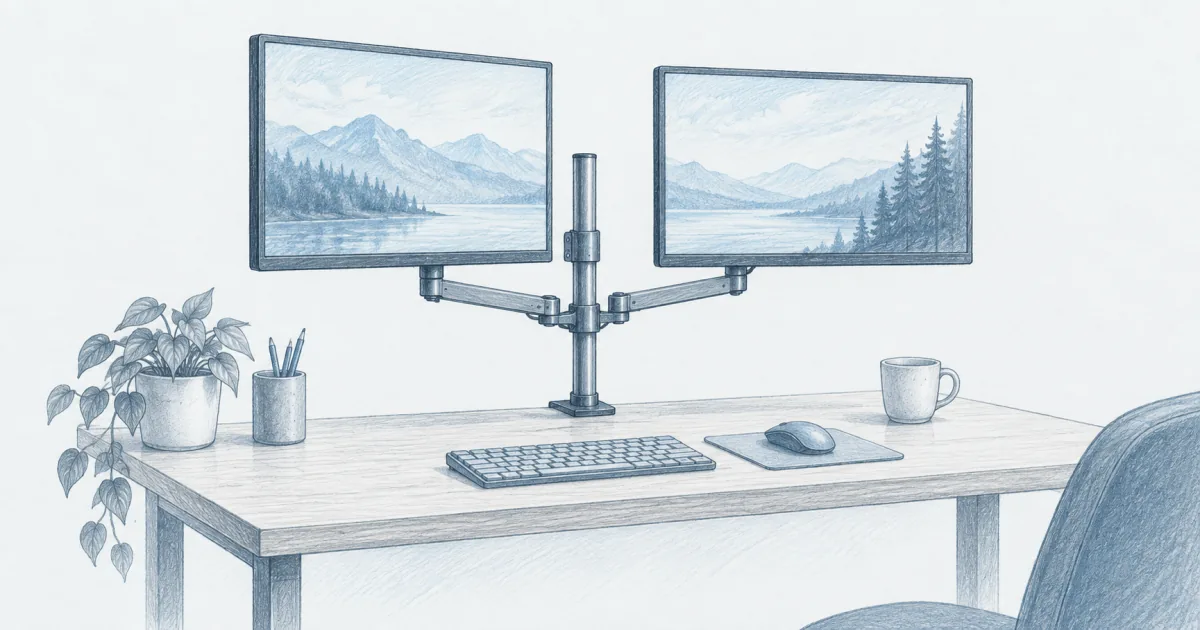
Best Monitor Arm for Dual Monitors (2026): Two Screens, One Clamp
Desk accessories
The best monitor arm for dual monitors is the VIVO STAND-V002O when you want tool-free height changes for two midweight screens. The WALI GSMP002N costs less with a gas spring, and the HUANUO DS7 carries a 40-inch panel.
Our picks
The best monitor arm for dual monitors for most home desks is the VIVO STAND-V002O when both screens are ordinary 24 to 27 inch panels and you change positions often. If the budget is tighter, the WALI GSMP002N does the same job with a gas spring. If one panel is huge, the HUANUO DS7 is the one with the reach and the weight rating to hold it.
Two stock monitor feet take up more surface than most people realize. A single clamp arm lifts both panels, frees the desk under them, and lets you sit the screens at eye level instead of on a stack of books. Start with our best monitor arm guide if you only run one screen, and browse the rest of desk accessories when the screen height is sorted. If you would rather keep both panels on a shelf, our dual monitor stand guide covers risers.
Why one dual arm beats two single arms
A dual arm uses one clamp and one pole for both screens. That means one hole to drill, one base on the desk, and a small footprint at the back edge. Two single arms give you more freedom, but they double the clamps and the cost.
The trade is flexibility. On a shared pole, the two screens move around the same center. If one panel weighs twice as much as the other, or you want them at very different heights, separate arms are easier to balance.
For a matched pair of office monitors, one dual arm is usually the cleaner buy. It is also the cheaper one.
What to check before you order
Three numbers decide whether an arm works. Skip them and you will be returning a box.
Screen weight. Read the listed weight for each monitor, not the diagonal size. Leave a margin below the arm's per-screen rating, because an arm loaded to its exact limit tends to sag at full extension.
VESA pattern. Look for a 75x75mm or 100x100mm hole square on the back of each screen. Most office monitors have one. Laptops and a few all-in-ones do not.
Desk edge. Measure the thickness and check it against the clamp range. Very thin hollow tops and glass tops are a bad clamp risk. Grommet mounting is tidier if you already have a cable hole.
Quick comparison
Top pick: VIVO STAND-V002O
The VIVO STAND-V002O is the dual arm we would start with. It fits 17 to 32 inch screens and holds 4.4 to 19.8 pounds per arm, which covers the common pair of 24 or 27 inch office monitors with room to spare.
The counterbalance is mechanical rather than gas, so it does not soften with age. Each joint can be tightened, which means you can set the screens fluid or firm depending on how often you move them. C-clamp and grommet both work, on desktops up to about 3.1 inches thick.
Use it when you want one mount for two similar screens. Skip it if your panels are wildly different weights or you want each screen on its own pole.
Check the VIVO STAND-V002O on Amazon
Best value: WALI GSMP002N
The WALI GSMP002N is the pick when the budget is tight but you still want full motion. It fits 13 to 32 inch screens at up to 22 pounds per arm, with a 19.3 inch reach and 17.3 inches of height above the desk.
The gas spring makes raising and lowering feel light. That same spring means you have to match tension to your panels, and light screens need the tension wound down. The wide VESA head is the part that surprised us, because it stops the panels from twisting when you tap a button.
Use it for two midweight screens on a normal desk. Skip it if both monitors are small and light, since the spring has less to work against.
Check the WALI GSMP002N on Amazon
Best for big screens: HUANUO DS7
The HUANUO DS7 is the heavy-duty pick. It fits 13 to 40 inch flat and curved screens at up to 26.4 pounds per arm, with arms long enough for taller users and deeper desks.
Both clamp and grommet mounting are supported, and two USB ports sit on the base for charging a phone or a webcam. The gas springs are cycle-tested by the maker, and the base is larger than the budget arms for a reason.
Use it when one screen is an ultrawide or you are over six feet tall. Skip it if two 24 inch panels are the whole job, because you would be paying for capacity you do not need.
Check the HUANUO DS7 on Amazon
Dual arm or two single arms?
The dual arm wins on tidiness and price. Two single arms win when the panels differ a lot or you want each one to move independently. There is no wrong answer, only a layout question.
Install tips that prevent returns
Set the spring tension with the monitor attached, not with the arm empty. An arm tuned bare will drop or rise the moment you load it.
Lay out the hardware before you start, and keep the monitor face down on a towel while you bolt the VESA plate on. Slide the plate onto the arm, then tighten.
Route cables with enough slack for full sit-stand travel. A cable that pulls tight at the top of the desk's range can yank a port loose. Clip the runs along the arm so they move with it.
Tighten the clamp evenly and recheck it after a day. Soft desktops compress a little under load, and a clamp that felt solid on Monday can feel loose by Friday.
Who should skip a dual arm
Skip a dual arm if your desk has no safe clamp edge, no grommet hole, and no option to wall mount. Skip it if either monitor has no VESA pattern and you would rather not use an adapter.
Skip it too if you share a small folding table that cannot take clamp pressure. And skip it if your two screens are so different in size that a shared pole will always look crooked.
If your desk height is the real problem, fix that first with our best standing desk guide. An arm cannot rescue a desk that sits at the wrong height.
Bottom line
Buy the VIVO STAND-V002O for two matched midweight screens and tool-free height changes. Buy the WALI GSMP002N when the budget is tight and you want the same motion. Buy the HUANUO DS7 when one panel is an ultrawide. Check weight, VESA, and desk thickness first, then set the tension with the monitors loaded, and both screens will sit where you actually want them. Tidy the runs with a cable management for desk plan once the arms are up.
Frequently Asked Questions
What are the best monitor arms for two monitors?
For two matched midweight screens, the VIVO STAND-V002O is the safest all-round pick. The WALI GSMP002N covers the same job for less. Step up to the HUANUO DS7 when one panel is an ultrawide or you are tall enough to need a higher screen.
What VESA mount is best for two monitors?
Almost every office monitor uses a 75x75mm or 100x100mm hole pattern, and all three arms here accept both. Measure the four screw holes on the back of each screen before you buy. If your monitor has no VESA holes, you need an adapter plate or a different stand.
Are dual monitor arms worth it?
Yes when your desk is small or your stock stands sit too low. One clamp lifts both screens, clears the surface under them, and lets you push the panels back out of your field of view. If your screens are very different weights, two single arms are often easier to tune.
What is the best monitor stand for two screens?
A desk stand or riser shelf is the cheaper answer when you do not need reach or tilt. A clamp arm is the better answer when you want the screens off the surface entirely and at eye level. Our dual monitor stand guide covers the shelf kind.
Can one arm hold two 32 inch monitors?
It can if each panel stays inside the arm's per-screen weight rating. Two 32 inch office panels usually land between 12 and 18 pounds each, which fits the VIVO and WALI ratings. A 34 inch or larger ultrawide wants the higher capacity of the HUANUO.
Do dual monitor arms work on a standing desk?
Yes, and they are the reason many people buy one. The arm travels up and down with the top, so your screen stays near eye level when you stand. Leave a loop of slack in the cables so nothing pulls tight at the top of the travel.
Will a clamp arm damage my desk?
Only if the top is thin, hollow, or glass, or if you overtighten. Check the clamp thickness range, add a protective pad if the maker allows it, and tighten evenly. Grommet mounting is cleaner when your desk already has a cable hole.