Best 4x6 Photo Printer (2026): Print Phone Photos at Home
Desk accessories
The best 4x6 photo printer for most desks is the KODAK Dock Plus when you want to dock and charge your phone while it prints. Liene adds Wi-Fi printing and a dual-tray model for stickers.
Our picks
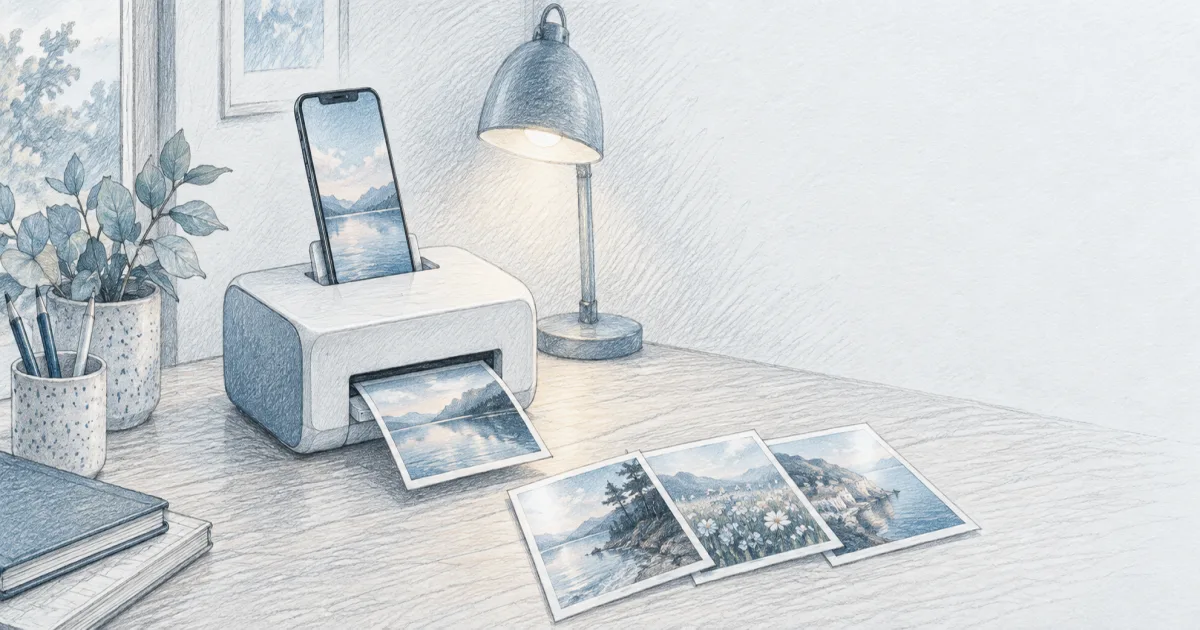
The best 4x6 photo printer for a home office is the KODAK Dock Plus when the job is quick prints from your phone without a computer in the loop. You set the phone on the dock, the printer charges it while it works, and the photo comes out dry and ready to pin up.
A photo printer is the small companion to a document scanner, not a replacement for it. The scanner handles paper, and the photo printer handles the pictures you want in your hand. Give it a permanent spot on the desk or a printer stand so the paper path stays clear, and browse more desk accessories to finish the corner.
What a 4x6 photo printer actually does well
These are single-purpose machines. They print one size, fast, from a phone, with a finish that looks like a lab print rather than a home inkjet page.
The reason is the printing method. Dye sublimation lays down color in layers and finishes with a clear coat, so the print is dry the moment it lands and resists water and fingerprints. That is why the same technology shows up in photo booths and passport kiosks.
What they are not is cheap per sheet. Every print uses a slice of the ribbon and a sheet of paper, and both are proprietary. Buy the printer with a big paper pack and the per-print cost drops into a reasonable range.
What to check before you buy
Connection type. If you want the simplest workflow, pick a dock-style printer that holds the phone. If several people print, pick Wi-Fi so five phones can send without pairing one at a time.
Paper and cartridge bundles. The printer price is only the entry fee. Check the cost of a 100-sheet bundle before you buy, because that is the number that decides your real cost per print.
Where it lives. These printers are desktop devices and most run on wall power. Give yours a shelf or a stand so the output tray and the paper cassette are not buried under a keyboard.
At a glance
Our top pick: KODAK Dock Plus
The KODAK Dock Plus is the top pick for a single phone and a desk. It prints a borderless 4x6 in about 55 seconds and the result looks like a store print. The app is where the workflow lives, and the 50-sheet bundle in this version gets you started without a second order.
Two owner notes worth knowing. Your phone shoots in a wider ratio than 4x6, so the app crops the sides unless you pinch the image smaller in the frame. And this printer lives on wall power, so treat it as a desk machine, not a travel gadget.
The Wi-Fi alternative: Liene M100
For a household where more than one person prints, the Liene M100 is the easier daily machine. It runs its own Wi-Fi hotspot, so you connect straight to the printer instead of fighting the home network, and up to five devices can send to it. The box includes 100 sheets and three cartridges, which is the best starter value of the three.
Image quality is close to the Kodak, with vibrant color that is a touch less saturated than a lab print if you look closely. The practical quirk owners mention is transfer speed: a full-resolution phone photo takes a while to send, so crop to the printer's 1200 x 1800 limit first and the whole job speeds up.
The sticker pick: Liene Amber M110
If your prints end up in a journal or on a laptop lid, the Liene Amber M110 is the one to get. Its dual tray takes standard 4x6 photo paper and 3x3 sticker paper, so one small machine covers frame prints and notebook stickers. Bluetooth pairs in a few seconds, and the dye-sub surface resists water and scratches.
The stickers peel from the backing with a small tab, which sounds minor until you have picked at a corner for a minute. The trade is that sticker paper is a separate consumable, so budget for it if you print stickers often.
For journals and planners: Nelko PP01
The Nelko PP01 is the pick for stickers and journals rather than frame prints. It is a pocket inkjet that weighs about as much as a phone and prints 2x3 sticky-backed photos from the Nelko app in under a minute. The app carries the frames, filters, and text tools, and the paper is made to peel cleanly, so a photo can become a label, a bookmark, or a page in a memory book.
It is not a 4x6 machine and not a replacement for the dye-sub printers above. It is the add-on for the person who wants small stickers, and it runs on a charged battery instead of a wall outlet. A cartridge prints about 80 photos, and the prints are smudge-proof and water-resistant once dry.
Photo printer or drugstore prints?
For a big batch, the drugstore still wins on price. Order 200 vacation prints and pick them up, and you will spend less than printing them at home.
The home printer wins on timing and control. One birthday print before a party, a wall of snapshots built over a month, stickers for a journal: those are jobs you do not want to schedule around a store run. That convenience is what you are paying for.
Who should skip a 4x6 photo printer
Skip it if you print a lot of documents, because a standard all-in-one handles paper cheaper and adds scanning. Skip it if you need sizes larger than 4x6, since these machines print one size and stop there.
Skip it too if you hate proprietary supplies. Every dye-sub printer here locks you into its own paper and cartridge bundles, and there is no third-party shortcut. If that bothers you, an inkjet with a photo tray is the flexible, if messier, alternative.
Bottom line
Buy the KODAK Dock Plus for one-phone speed and dry, laminated prints. Buy the Liene M100 when the whole family prints and you want Wi-Fi and a big starter bundle. Buy the Liene Amber M110 if stickers matter. Add the Nelko PP01 if you want pocket stickers for a journal. Whichever you choose, buy the largest paper and cartridge bundle up front, because that is what makes home printing affordable. More home office gear guides are on the blog and homepage.
Frequently Asked Questions
What is the best at home 4x6 photo printer?
For most desks it is the KODAK Dock Plus, because you dock your phone, it charges while it prints, and the laminated 4x6 comes out dry. If several people print from phones, the Liene M100 and its own Wi-Fi hotspot are easier to share.
What is the cheapest way to print 4x6 photos?
A drugstore or warehouse club still wins on pure cost per print if you are ordering a big batch and do not mind the trip. For a handful of prints at home, a dye-sub 4x6 printer lands around 40 to 50 cents per print once you buy larger paper and cartridge bundles.
What is a good 4x6 photo printer for a phone?
Any of the picks here works from a phone app. The KODAK Dock Plus connects by a physical dock or Bluetooth, and the Liene models connect by Wi-Fi or Bluetooth. If you print mostly from a phone, pick the one whose app feels simplest to you, because that is the part you use every time.
Do 4x6 photo printers need ink?
Dye-sublimation printers use a ribbon cartridge instead of liquid ink. The cartridge is sold together with the paper, and the two run out at the same time. Zink printers use no ink at all but print on special paper, and their color is usually less accurate.
Is dye sublimation better than Zink?
For photos you want to frame or keep, yes. Dye-sub prints come out with deeper color and a clear laminate that resists water, fingerprints, and fading. Zink is faster and prints on sticky-backed paper, which is great for journals, but colors can look flatter.
How much does a 4x6 print cost at home?
With a bulk paper and cartridge pack, most owners put it near 40 to 50 cents per 4x6. The printer itself is the bigger upfront cost, so the math favors buying a bundle with plenty of paper if you plan to print often.
Can I print 4x6 photos on a regular inkjet printer?
Yes, if it has a photo tray or accepts 4x6 paper. An inkjet is cheaper per page but the ink dries out between jobs, and you have to keep photo paper on hand. A dedicated 4x6 printer is the better choice for occasional, dependable snapshots.
How long do the prints last?
Laminated dye-sub prints are rated for decades in an album, and they resist water and smudges right away. Keep them out of direct sun and store albums flat, and they will outlast most phone screens.